Step 5. Specify Account State
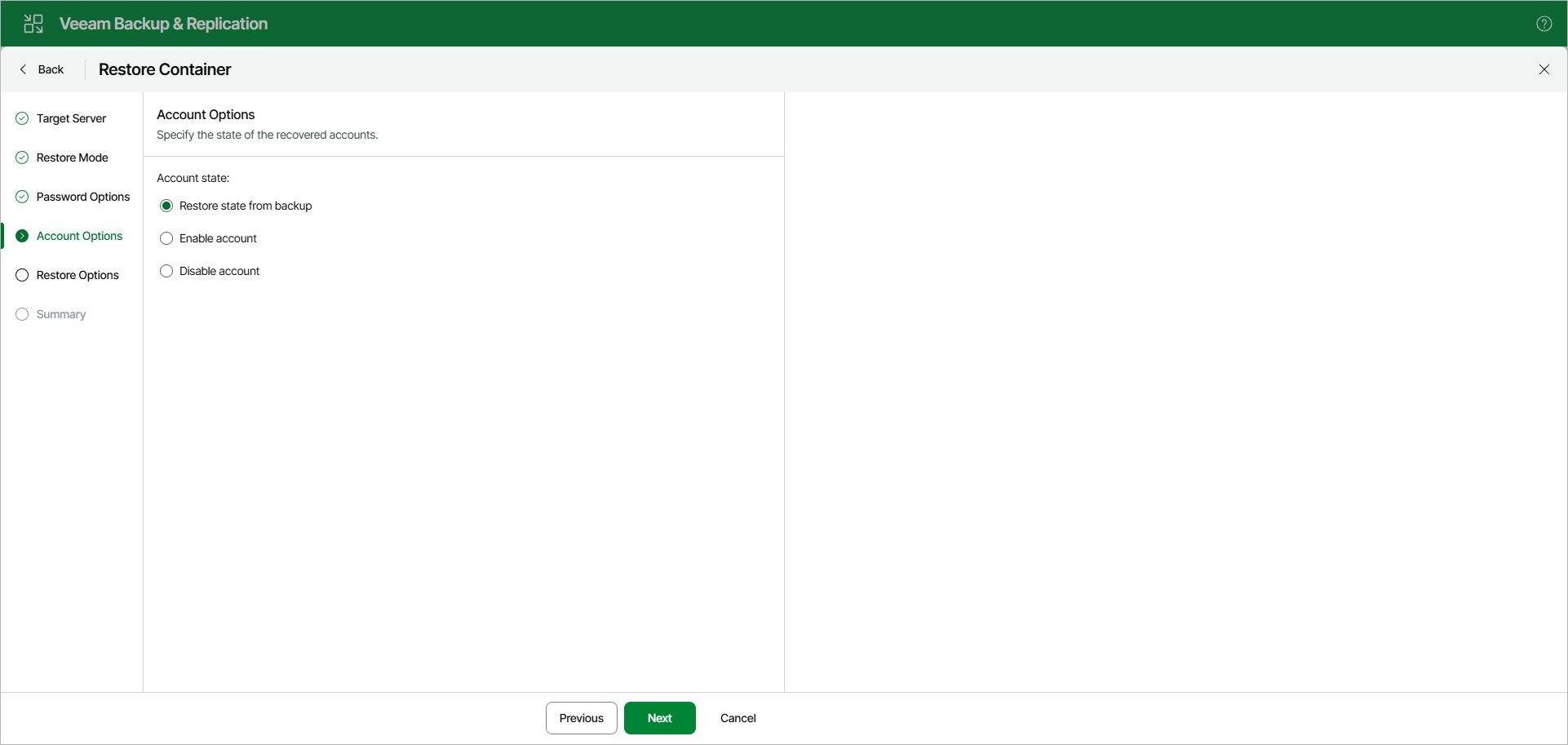
At the Account Options step, select one of the following options to specify the state of the recovered accounts:
- Restore state from backup — recovers the account in the state saved in the backup file.
- Enable account — recovers the account in the enabled state.
- Disable account — recovers the account in the disabled state.