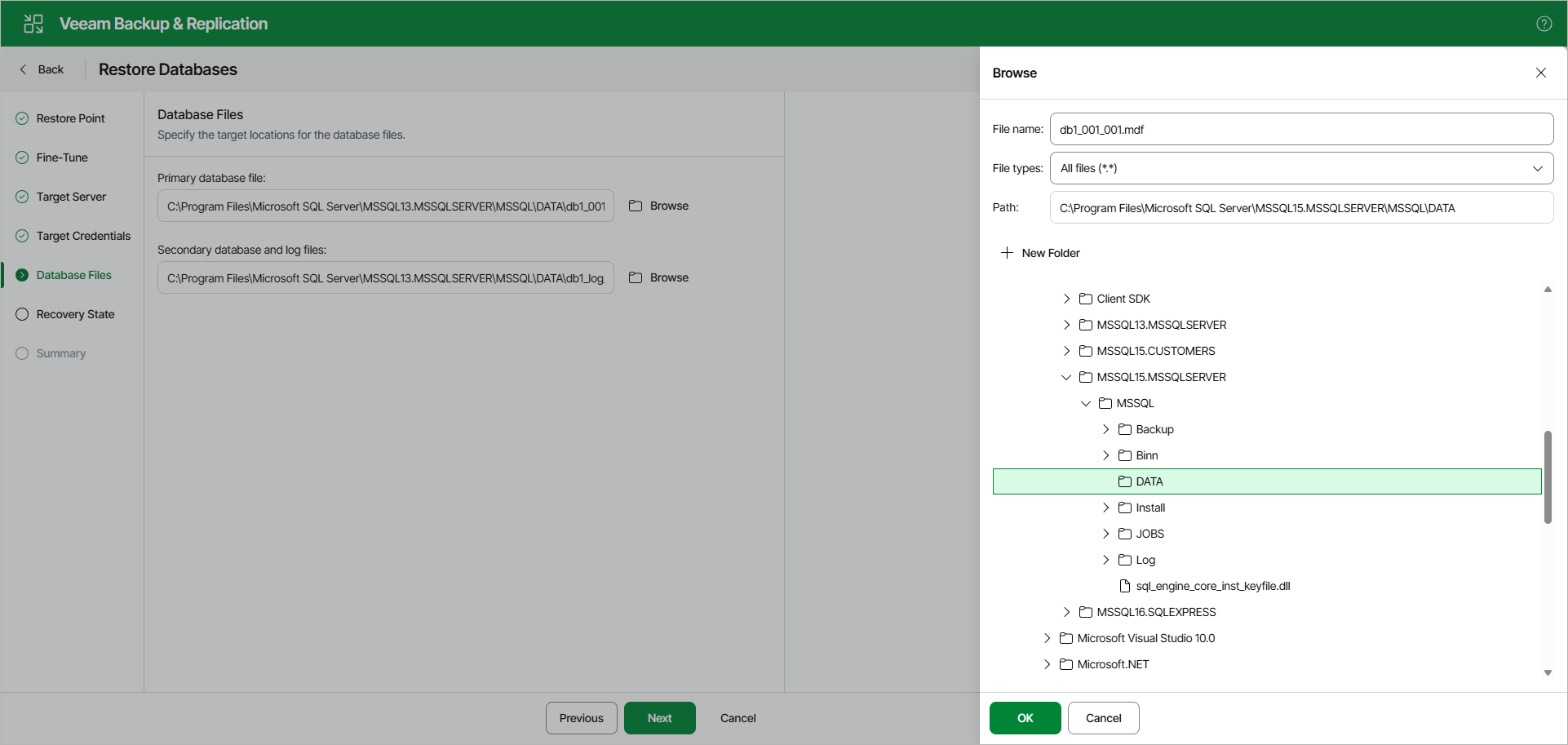
Step 6. Specify Files Location
At the Database Files step, specify the following file locations.
- Primary database file
- Secondary database and log files
- BLOB stores (if necessary)
Note |
Make sure the account you are using has Read and Write permissions. |
To specify a file location, do the following:
- Click Browse next to the necessary database file type.
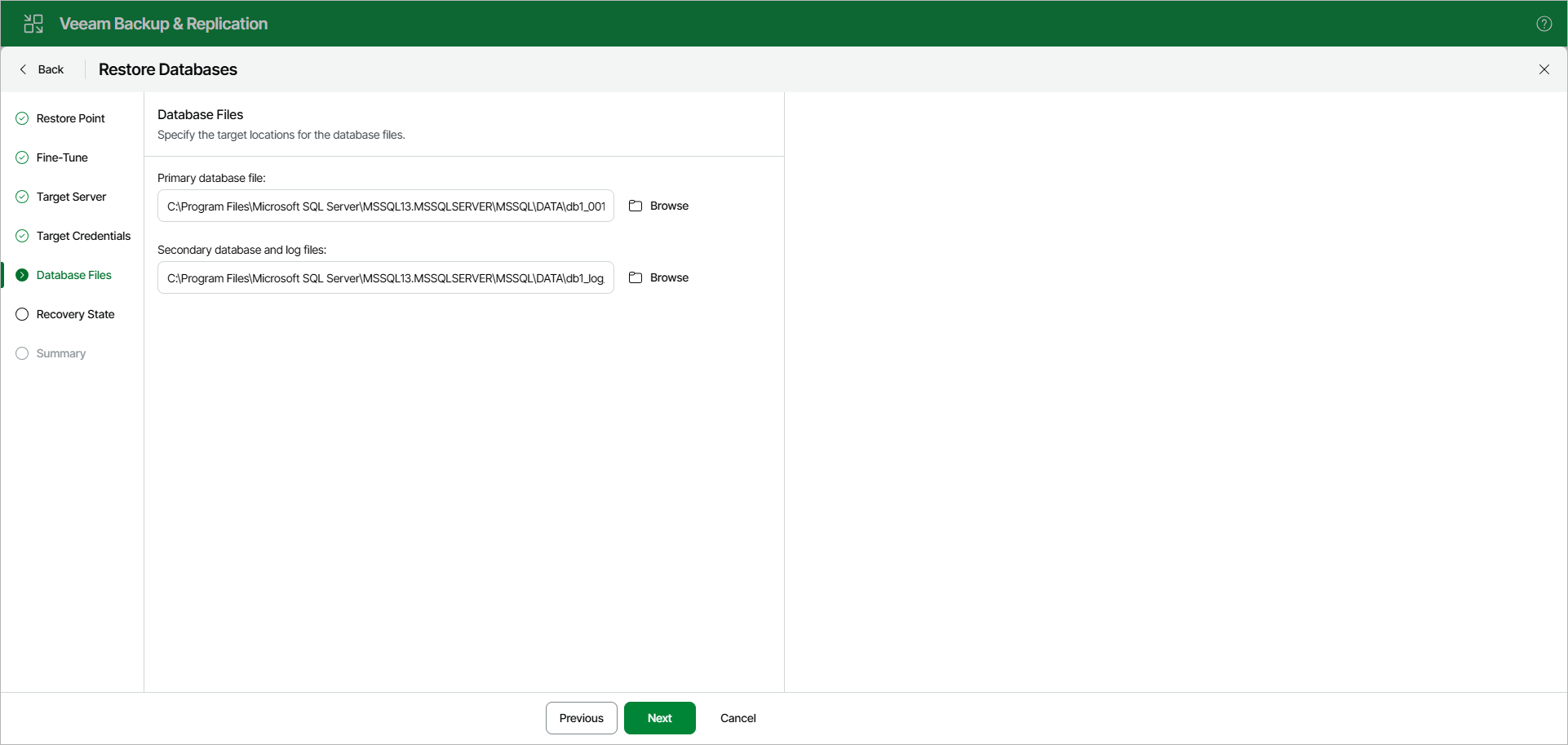
- In the Browse window, select a database file or folder for the restored database and click OK. To create a new folder, click New Folder.
[For restore to another location] To prevent you from storing BLOBs from different databases in the same directory, Veeam Explorer for Microsoft SQL Server supports creating a BLOB stores folder using the Restore wizard only. If you select an already existing folder, Veeam Explorer for Microsoft SQL Server will display an error.