Step 2. Select Restore Point
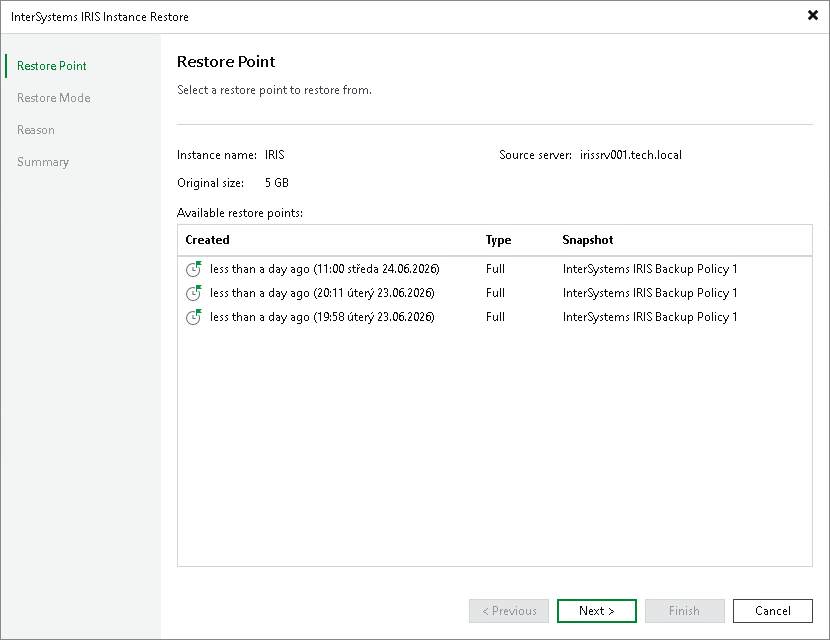
At the Restore Point step of the wizard, select a restore point from which you want to recover data.
By default, Veeam Backup & Replication selects the latest restore point. If you want to select another restore point, select any valid restore point from the Available restore points list to recover data.