Step 7. Finish Working with Wizard
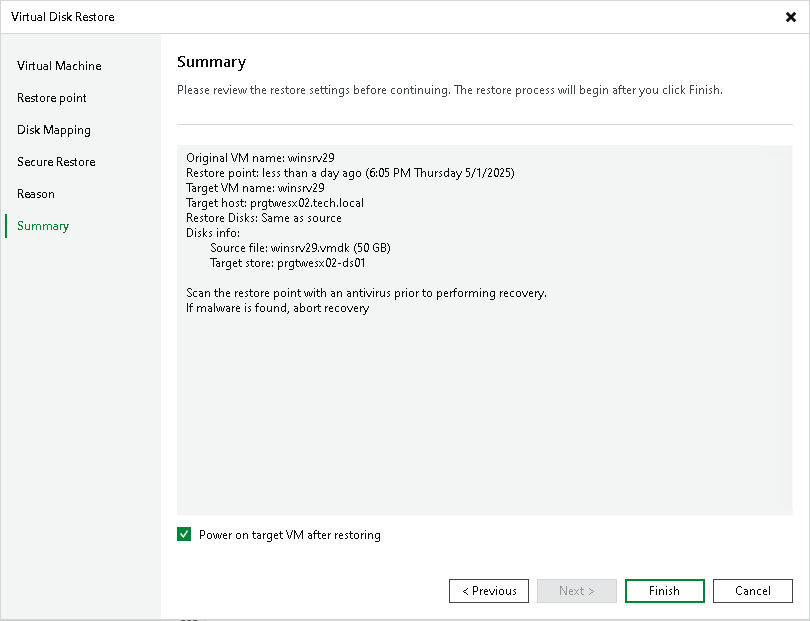
At the Summary step of the wizard, review the configured settings and click Finish.
If you want to start the VM to which the disk will be attached right after restore, select the Power on target VM after restoring check box.