Step 4. Specify Names and Tags
At the Name step of the wizard, you can specify names for the recovered VMs and assign tags to them. By default, Veeam Backup & Replication recovers workloads with their original names.
To define a name for a VM:
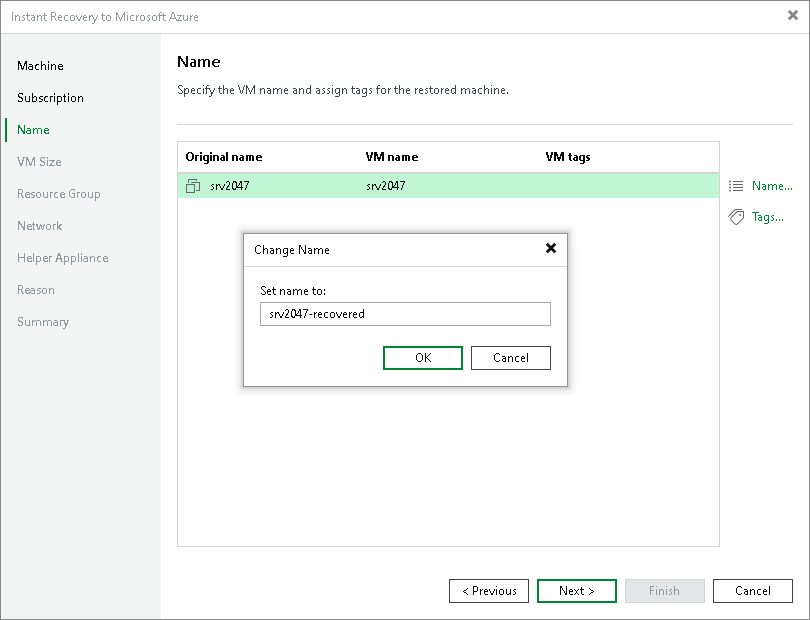
- In the list, select a workload and click Name.
- In the Change Name window, enter a name for the recovered VM.
Adding Tags
To add a tag for the recovered workloads:
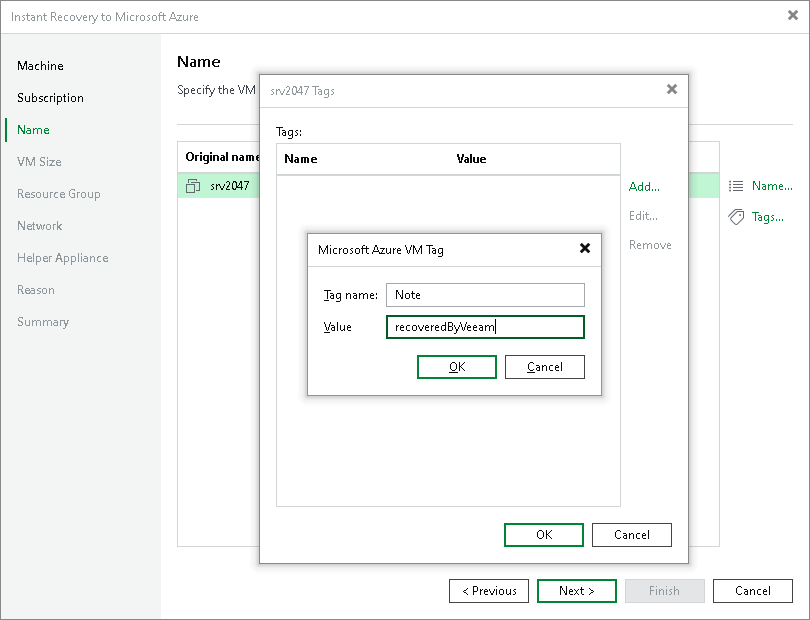
- In the list, select a workload and click Tags.
- In the Tags window, click Add.
- In the Microsoft Azure VM Tag window, specify the tag name and its value.