Step 3. Configure Backup Source Settings
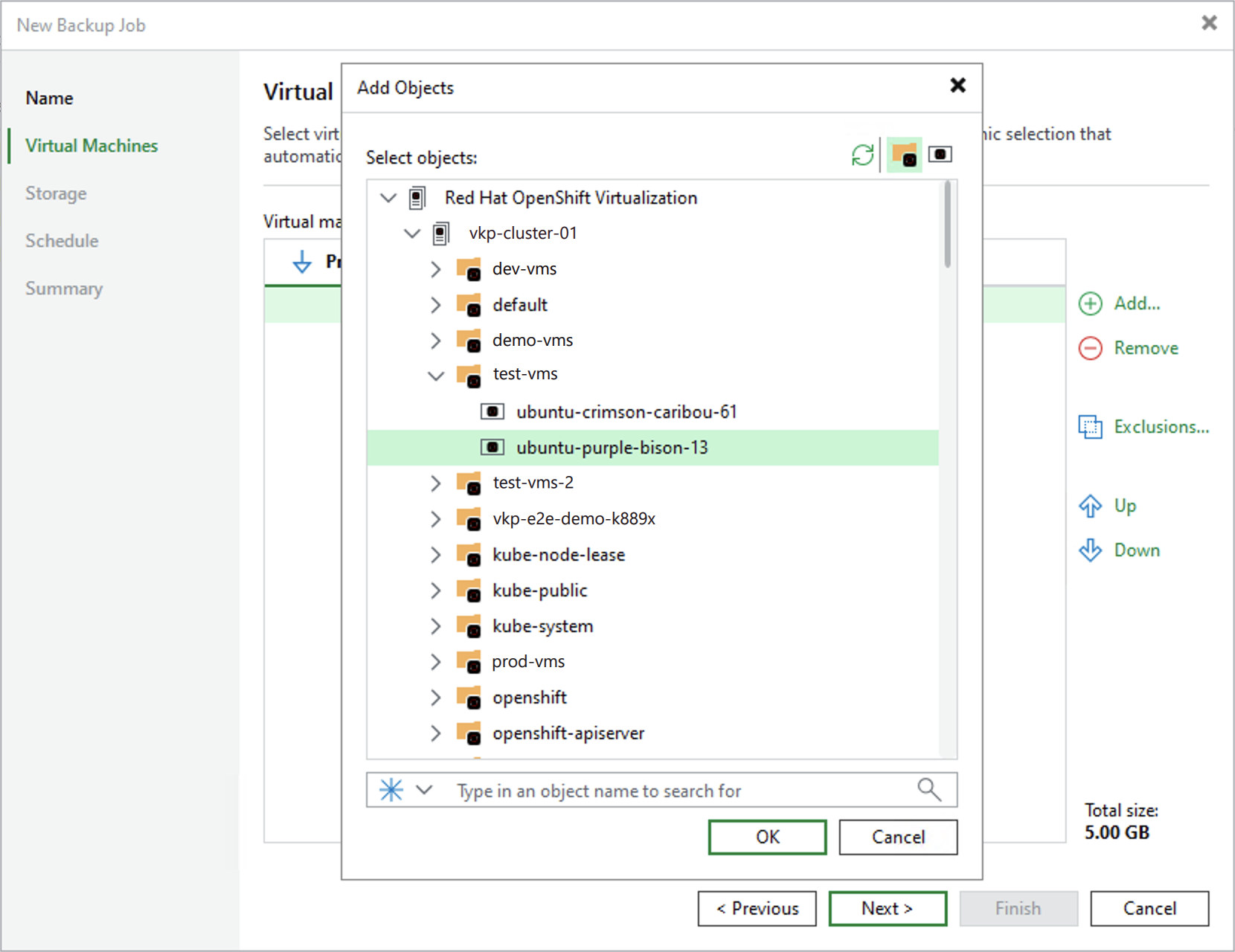
At the Virtual Machines step of the wizard, specify VMs that will be included into the backup scope:
- Click Add.
- In the Add Objects window, choose whether you want to view the list of all VMs in the cluster or to group these VMs by namespace — to view the lists of available VMs or namespaces, click the necessary icon on the toolbar at the top right corner of the window.
For a namespace or a VM to be displayed in the list, it must be added to the Red Hat OpenShift Virtualization cluster; if a namespace is added to the cluster but it is still not displayed in the list of available namespaces, click the Refresh icon to launch the data collection process.