Uninstalling Veeam Plug-in for KubeVirt and Veeam KubeVirt Proxy

Uninstalling Veeam Plug-in for KubeVirt and Veeam KubeVirt Proxy

Tabs

Uninstalling Veeam Plug-in for KubeVirt

[This section does not apply to Linux-based backup servers]

Tip

Before you uninstall Veeam Plug-in for KubeVirt, it is recommended that you remove the Red Hat OpenShift Virtualization server from the backup infrastructure.

To uninstall Veeam Plug-in for KubeVirt, do the following:

  1. Log in to the backup server using an account with the Local Administrator permissions.
  2. Open the Start menu and click the Settings icon.
  3. In the Settings window, navigate to Apps > Apps and Features.
  4. In the program list, select Veeam Plug-in for KubeVirt. Then, click Uninstall.
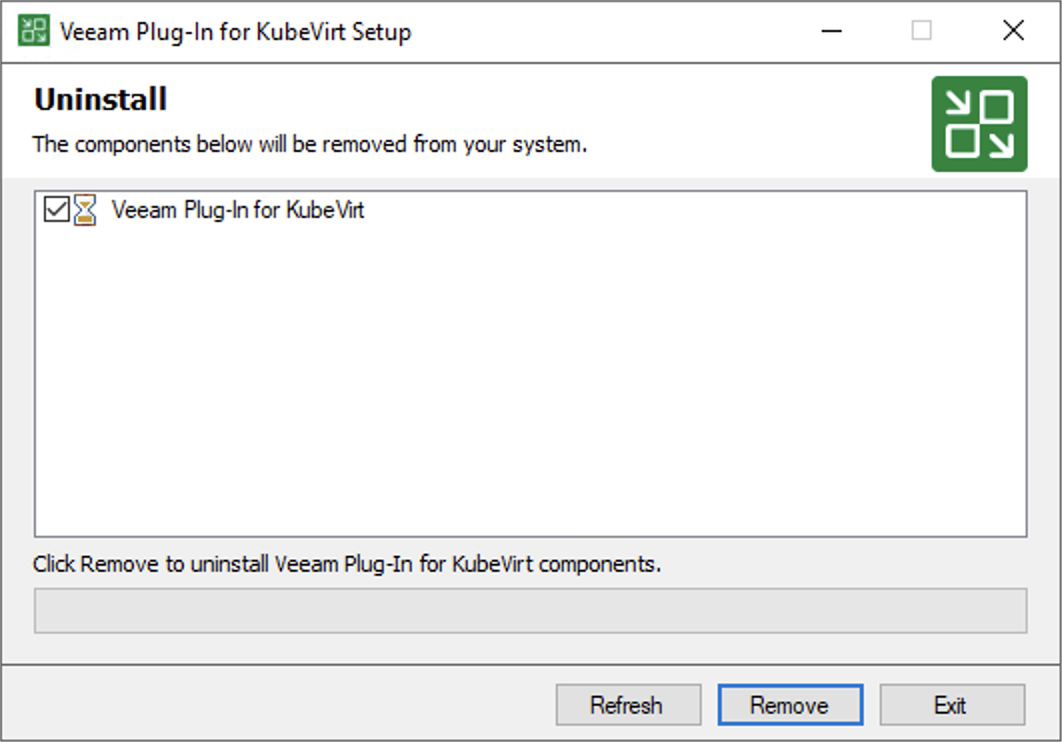
  5. In the opened window, click Remove.

Uninstalling Veeam Plug-in for KubeVirt and Veeam KubeVirt Proxy

Uninstalling Veeam KubeVirt Proxy

Tip

Before you uninstall Veeam Plug-in for KubeVirt, it is recommended that you remove the Red Hat OpenShift Virtualization server from the backup infrastructure.

To uninstall Veeam KubeVirt Proxy, do the following:

  1. Run the following command to remove the Veeam KubeVirt Proxy component from the namespace where it is installed:

helm uninstall vkp -n <vkp_name>

  1. Run the following command to remove the namespace where the Veeam KubeVirt Proxy was installed:

oc delete namespace <vkp_name>

Related Topics

Removing Red Hat OpenShift Virtualization Server

Page updated 2026-11-04

Page content applies to build 13.1.2.57