Step 4b. Specify Primary Node Settings
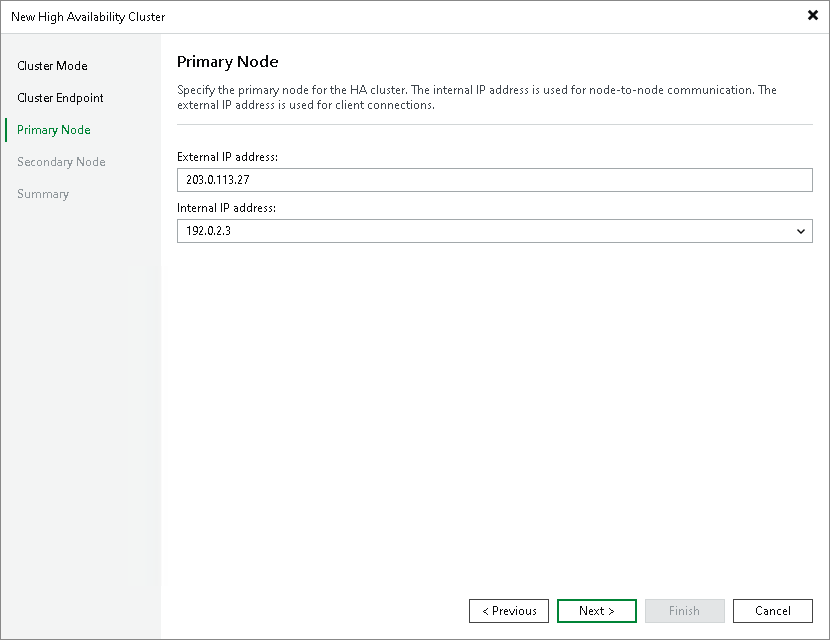
At the Primary Node step of the wizard, specify the IP addresses for the primary node.
- In the External IP address field, specify the external IP address of the primary node.
- From the Internal IP address drop-down list, select the internal IP address of the primary node. Veeam Backup & Replication uses this IP address for node-to-node communication with the secondary node.
|
Note |
|
Register the external IP address of the primary node in DNS as an A/AAAA record pointing to the cluster hostname you specified at Step 3. The HA cluster manages the assignment of the external IP address to the network interface — do not configure this address as a static address directly on the primary node. |