Performing Permanent Failover
For more information on permanent failover, see Failover and Failback for Universal CDP and Permanent Failover.
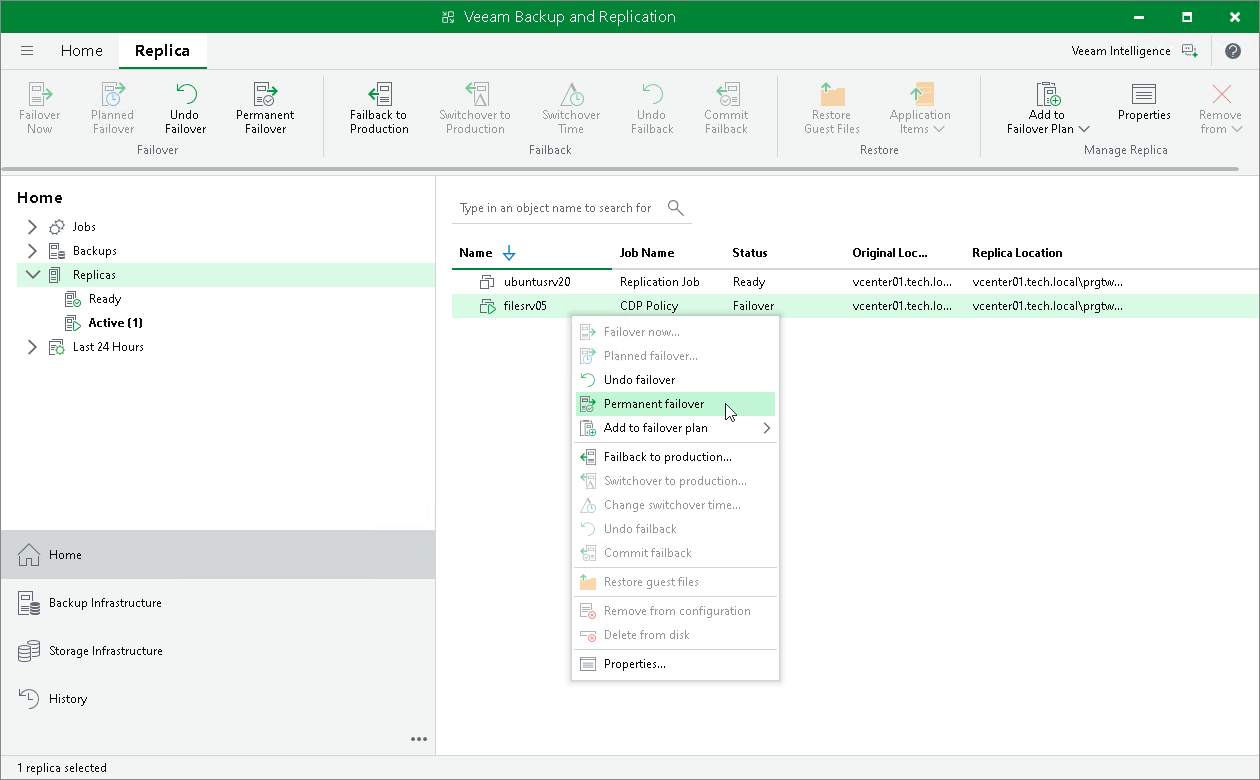
To perform permanent failover, do the following:
- Open the Home view.
- In the inventory pane navigate to the Replicas > Active node.
- In the working area, select the necessary replica and click Permanent Failover on the ribbon. Alternatively, right-click the necessary replica and select Permanent failover.