Restore to Xen
Veeam Backup & Replication allows you to recover different workloads as Xen VMs.
Supported Backup Types
To restore workloads to Xen, you can use the following backups:
- Backups of VMware vSphere virtual machines created by Veeam Backup & Replication.
- Backups of VMware Cloud Director virtual machines created by Veeam Backup & Replication.
- Backups of Microsoft Hyper-V virtual machines created by Veeam Backup & Replication.
- Backups of virtual and physical machines created by Veeam Agent for Microsoft Windows or Veeam Agent for Linux.
- Backups of Nutanix AHV virtual machines created by Veeam Plug-in for Nutanix AHV.
- Backups of Amazon EC2 instances created by Veeam Plug-In for AWS.
- Backups of Microsoft Azure virtual machines created by Veeam Plug-In for Microsoft Azure.
- Backups of Google Compute Engine VM instances created by Veeam Plug-In for Google Cloud.
- Backups of oVirt VMs created by Veeam Plug-in for oVirt KVM.
- Backups of Proxmox VE VMs created by Veeam Plug-in for Proxmox VE.
- Backups of Scale Computing HyperCore VMs created by Veeam Plug-in for Scale Computing HyperCore.
- Backups of HPE Morpheus VM Essentials VMs created by Veeam Plug-in for HPE Morpheus VM Essentials.
- Backups of Xen VMs created by Veeam Plug-in for Xen.
- Backups of Sangfor aSV VMs created by Veeam Plug-in for Sangfor aSV.
- Backups of Red Hat OpenShift Virtualization VMs created by Veeam Plug-in for KubeVirt.
Performing Restore to Xen
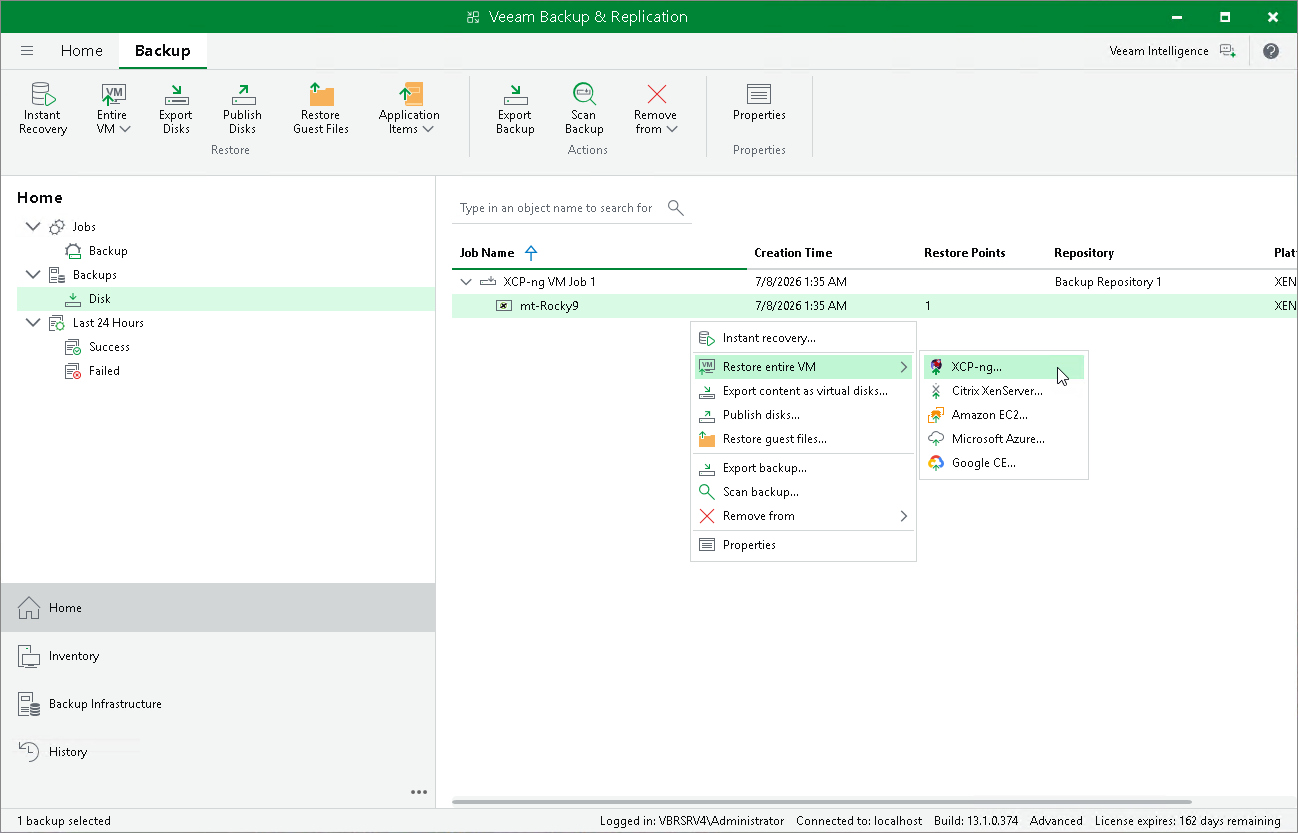
The restore procedure of entire workloads to Xen practically does not differ from the procedure described in Performing VM Restore.