Step 1. Launch Restore Wizard
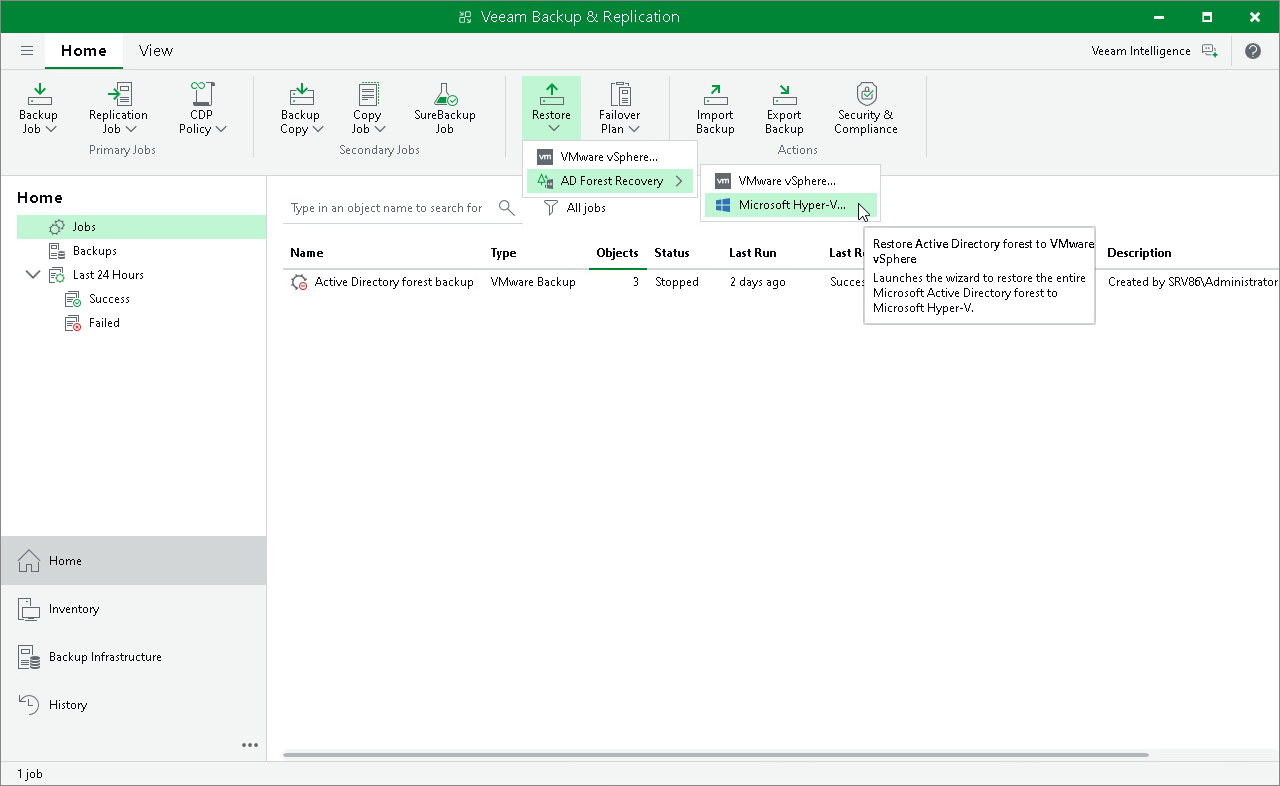
To launch the Microsoft Active Directory Forest Recovery wizard, do the following:
- Open the Home view. On the ribbon, click Restore and select AD Forest Recovery.
- Select Microsoft Hyper-V as the target platform for the restored domain controllers.