Step 1. Launch Entire VM Restore Wizard
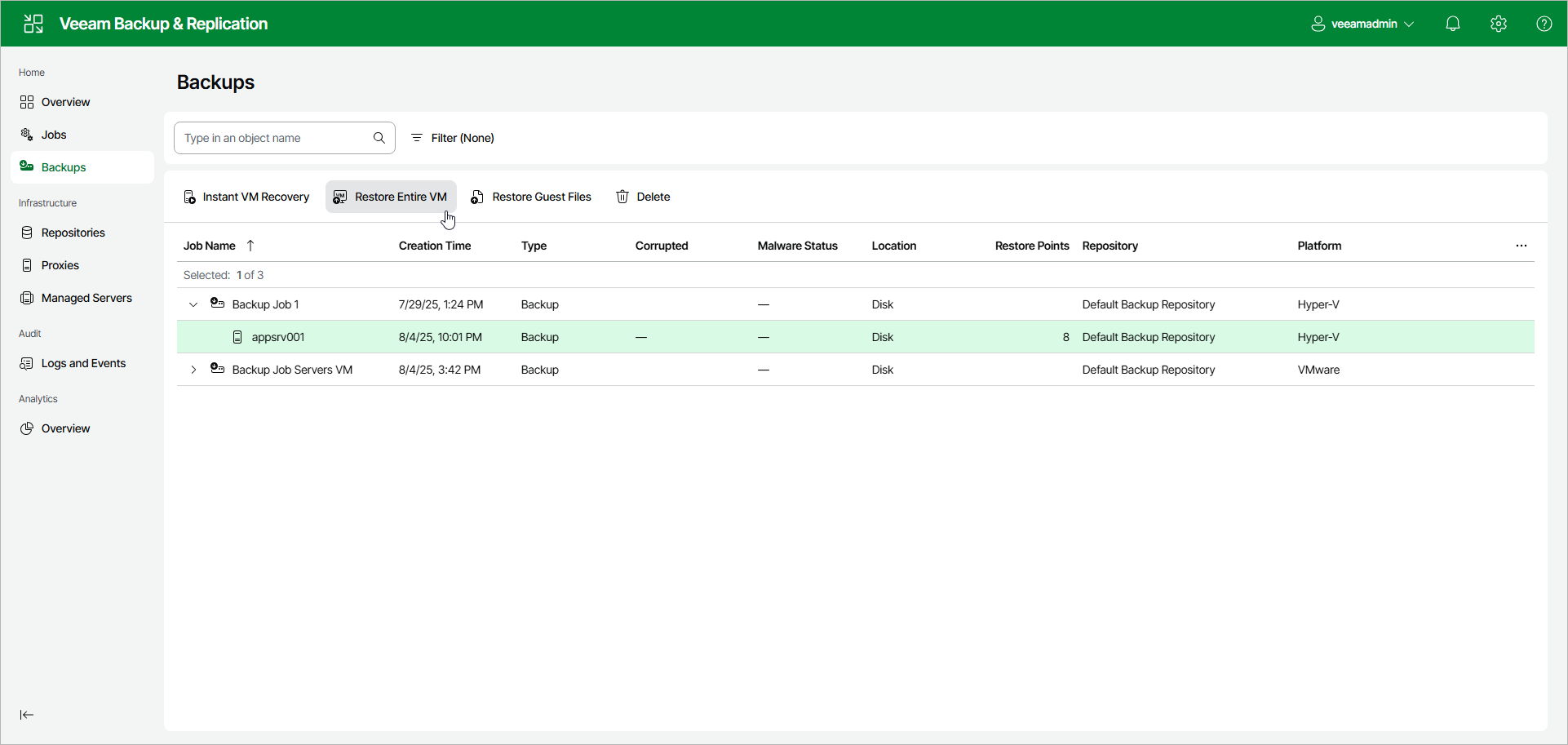
To launch the Entire VM Restore wizard using the web UI, do the following:
- In the management pane, select Backups.
- In the working area, select VMs that you want to recover.
- Click Restore Entire VM > <Platform>. Alternatively, you can right-click one of the selected VMs and click Restore Entire VM > <Platform>.