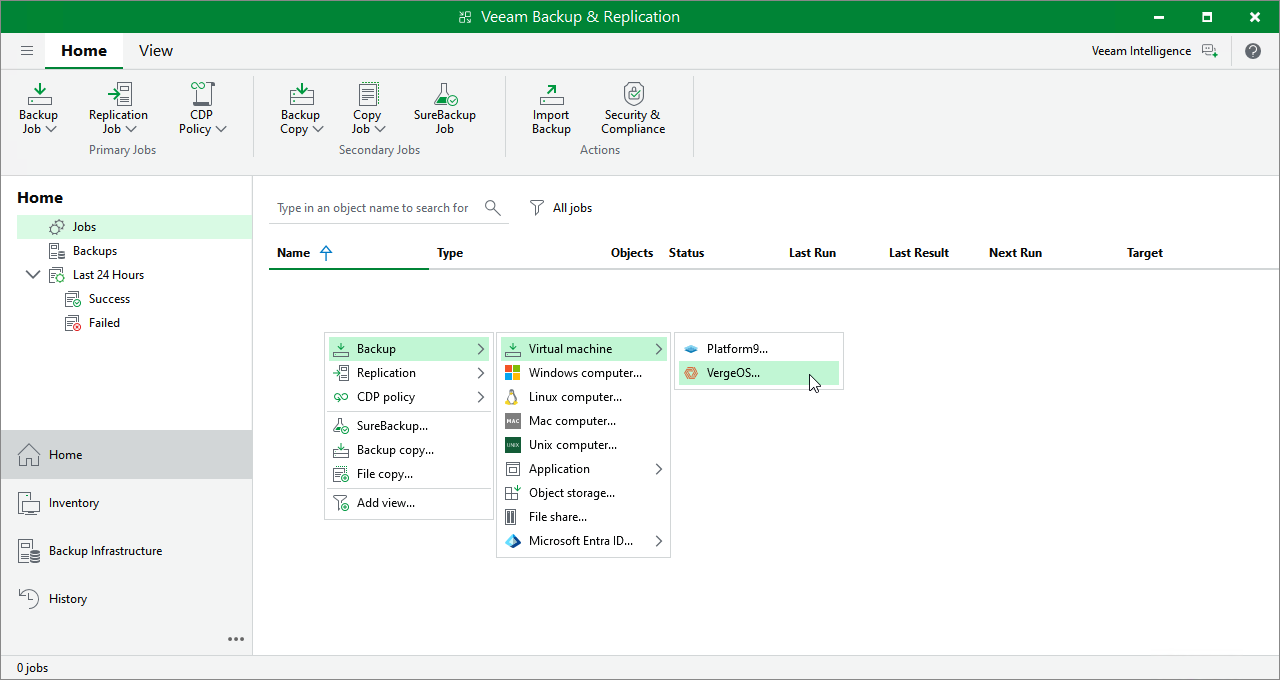
Step 1. Launch New Backup Job Wizard
To launch the New Job wizard, do the following:
- Open the Home view.
- In the inventory pane, select Jobs.
- Right-click the working area, select Backup > Virtual machine and choose the required hypervisor.
Alternatively, click Backup Job > Virtual machine and choose the required hypervisor on the ribbon.
|
Note |
|
Currently, Veeam Plug-in for Universal Hypervisor API supports the VergeOS and Platform9 universal hypervisors. |