Step 3a. Specify Standard Cluster Endpoint Settings
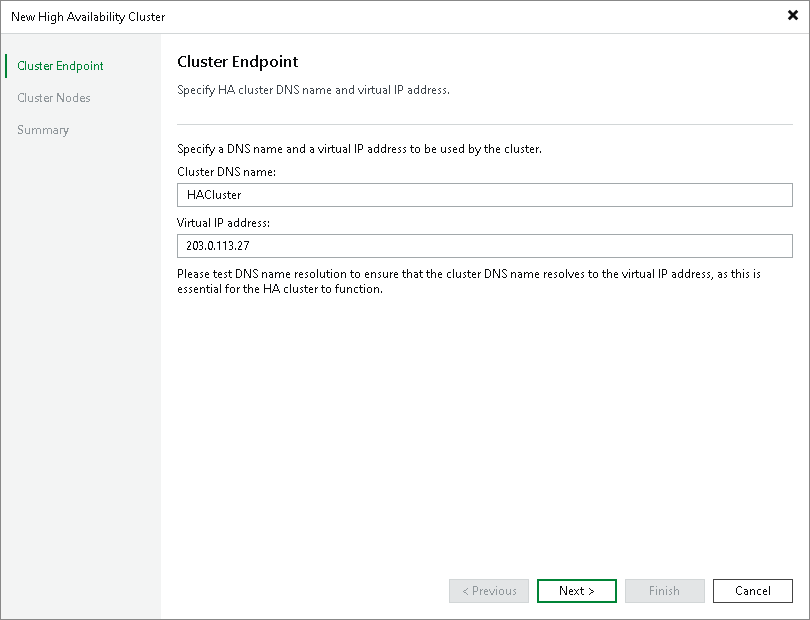
At the Cluster Endpoint step of the wizard, specify the name and a virtual IP address of the cluster.
- In the Cluster DNS name field, specify a DNS name of the cluster.
Note |
If you plan to use the DNS name to access your cluster, you must configure this DNS name to resolve to the сluster IP address. |
- In the Virtual IP address field, specify the static IP address of the cluster. Veeam Backup & Replication will assign this IP address to the primary node.
Note |
If Veeam Backup & Replication detects that the backup server is already managed by Enterprise Manager, it displays a prompt asking whether to open the Enterprise Manager web UI so you can re-add the backup server using the cluster IP address after you assemble the cluster. |