Step 7. Apply Settings
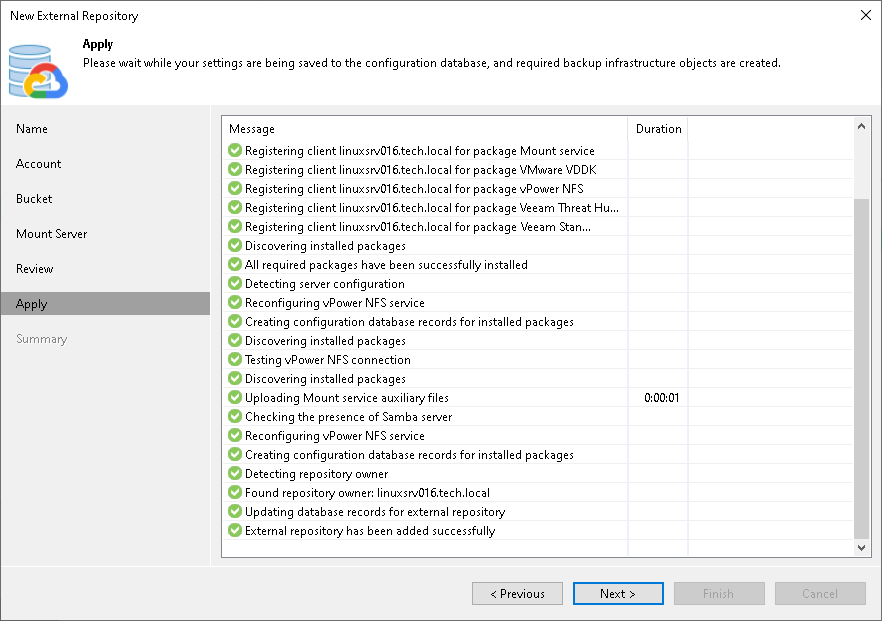
At the Apply step of the wizard, wait until Veeam Backup & Replication applies settings and completes adding the external repository. Then click Next.
Related Topics
At the Apply step of the wizard, wait until Veeam Backup & Replication applies settings and completes adding the external repository. Then click Next.
Related Topics