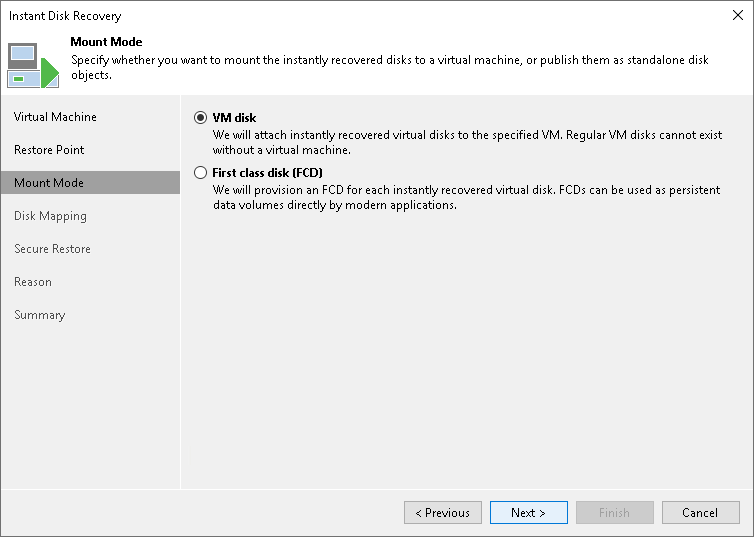
Step 4. Select Mount Mode
This step is not available if you restore VMware vSphere VM disks from a storage snapshot.
At the Mount Mode step of the wizard, select the VM disk option to register virtual disks on a VM added to an ESXi host.
Select the Mount to all hosts in a cluster check box to mount the vPower NFS datastore to all ESXi hosts in the cluster. Veeam Backup & Replication uses a temporary vPower NFS datastore to run the VMs directly from backups. Use Mount to all hosts in a cluster to provide datastore redundancy and to avoid the vCenter Server alarm reporting that the datastore is connected to a single host.
To register virtual disks on a cluster as FCDs, select the First class disk (FCD) option. In this case, steps of the wizard differ and Veeam Backup & Replication performs Instant FCD Recovery as described in section Performing Instant First Class Disk (FCD) Recovery.