Removing Workers
Veeam Plug-in for Scale Computing HyperCore allows you to permanently remove workers if you no longer need them. Note that you can remove a worker only when it is not processing a backup or restore operation.
To remove a worker, do the following:
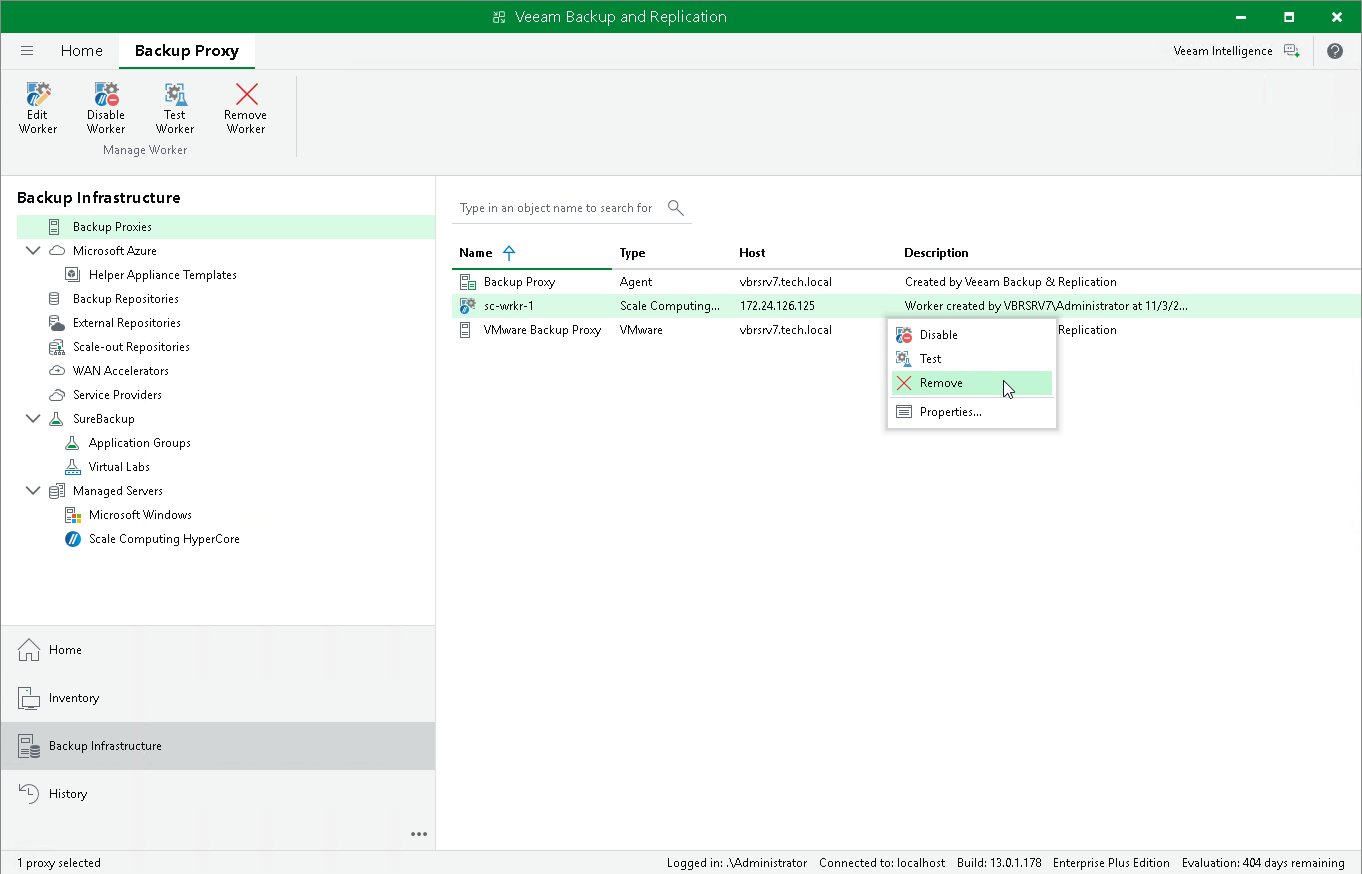
- Open the Backup Infrastructure view.
- In the inventory pane, select Backup Proxies .
- In the working area, select the necessary worker and click Remove Worker on the ribbon.
Alternatively, right-click the worker and select Remove .
- In the Veeam Backup & Replication window, confirm that you want to permanently delete the worker.