Managing Backup Job Permissions
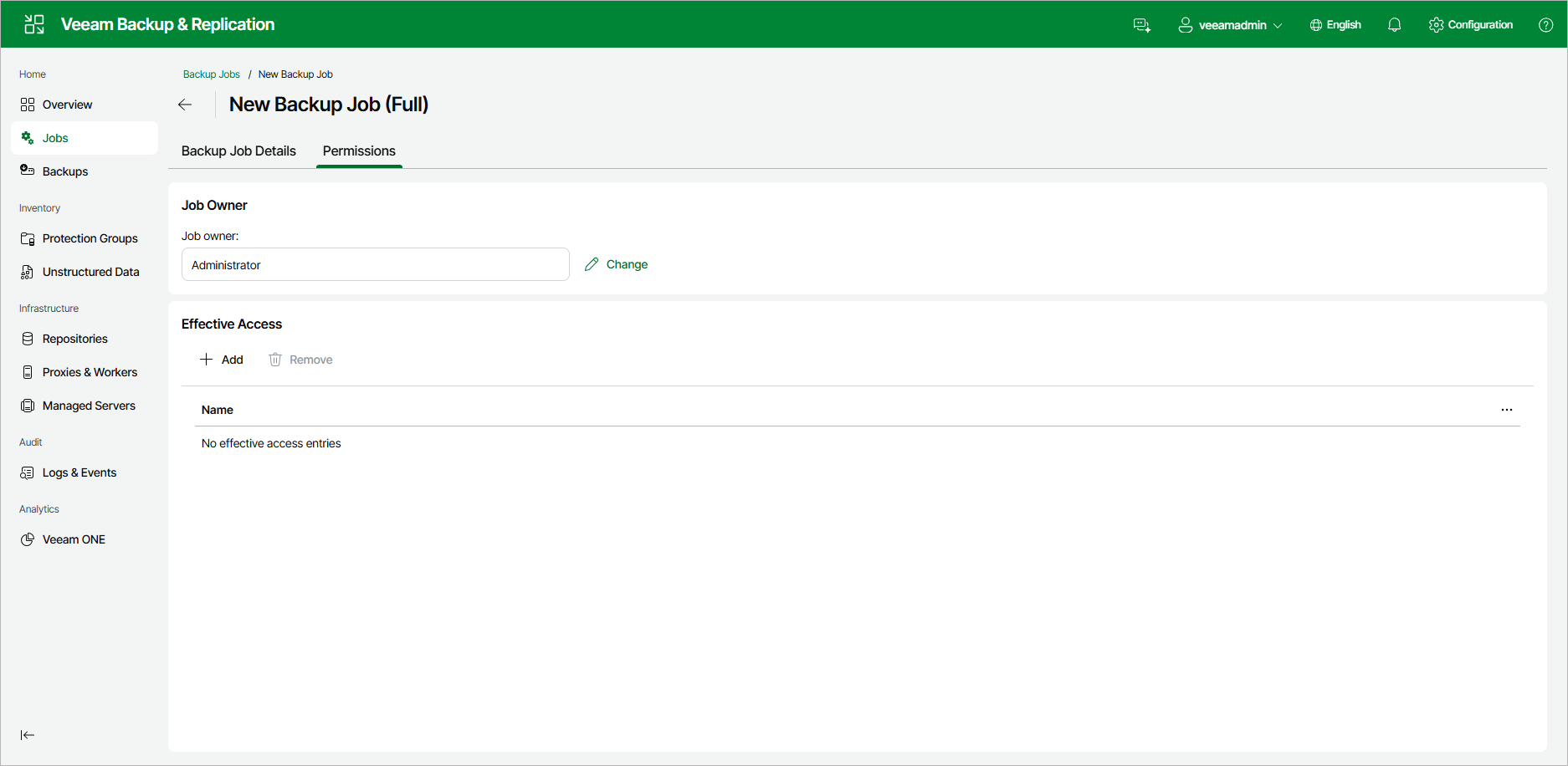
You can specify who owns a backup job and who can access it. Use the Permissions tab to set the job owner and grant access to other users.
To open the Permissions tab:
- Open the Viewing Backup Job Details view for the job.
- Click the Permissions tab.
Job Owner
The Job Owner box shows the user account that owns the job. To change the job owner:
- Click Change next to the Job owner field.
- Select the user account that will own the job.
Effective Access
The Effective Access box lists the users and groups that can access the job. If no entries are configured, the box shows No effective access entries.
To grant access:
- Click Add.
- Select the user or group to add to the list.
To revoke access, select an entry in the list and click Remove.