Removing Projects and Folders
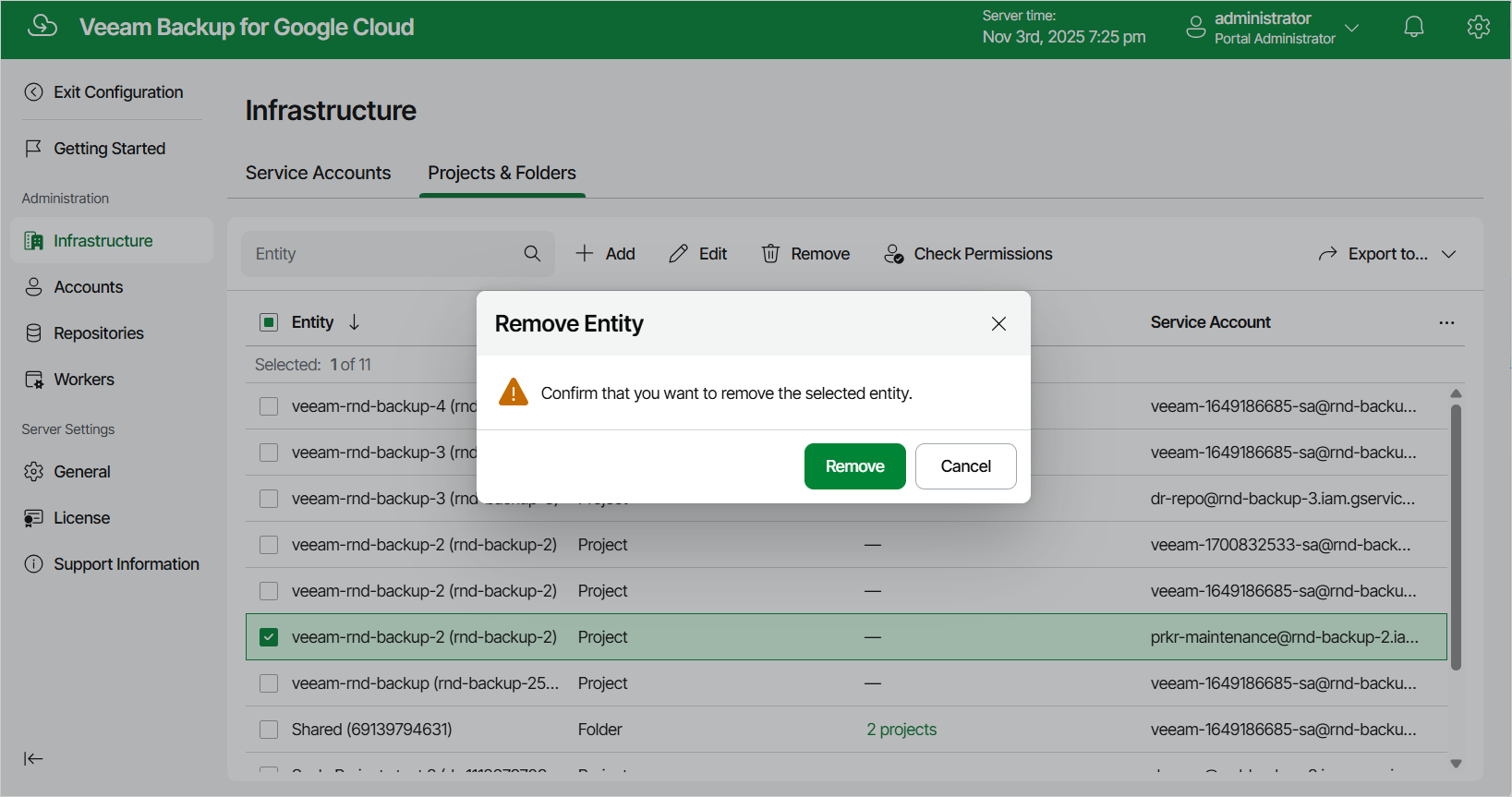
The backup appliance allows you to permanently remove a project or folder from the configuration database if you no longer need it:
- Switch to the Configuration page.
- Navigate to Infrastructure > Projects & Folders.
- Select the project or folder and click Remove.
|
Note |
|
You cannot remove a project or folder that is used by any backup policy, backup repository or worker configuration. Disable and remove all the related policies, remove all the related repositories, remove all the related worker configurations — and then try removing the project again. |