Step 5. Specify Export Location
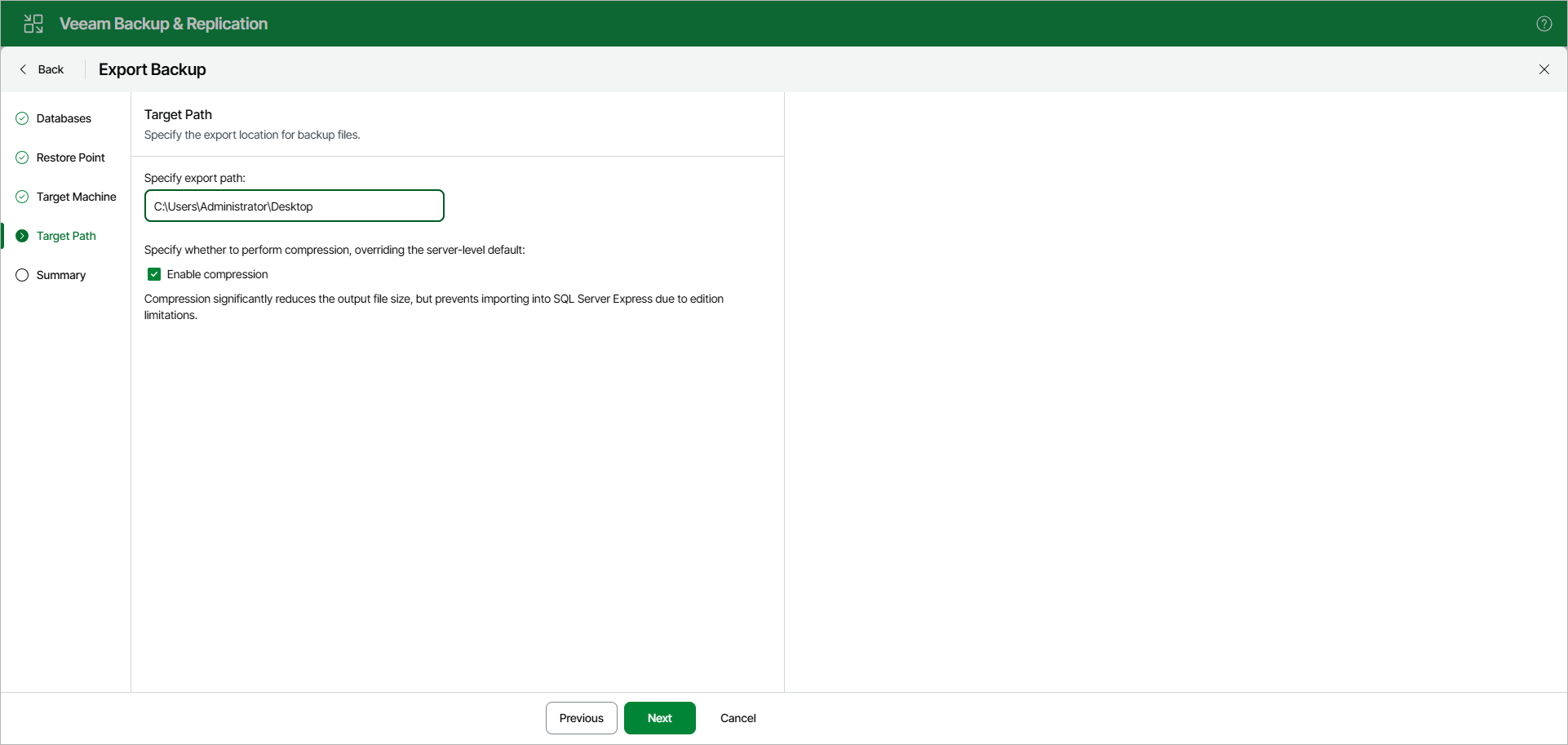
At the Target Path step, specify the path to the destination directory on the target server.
You can select the Enable compression check box to reduce the output file size.
Note |
|
Consider the following:
|
At the Target Path step, specify the path to the destination directory on the target server.
You can select the Enable compression check box to reduce the output file size.
Note |
|
Consider the following:
|