Step 4. Specify Target Host
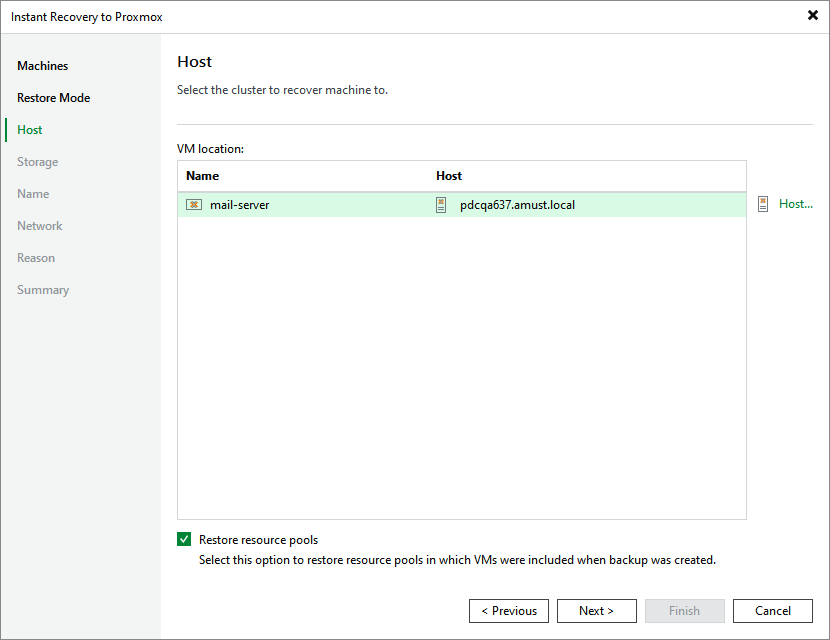
At the Host step of the wizard, choose a host where the recovered VM will reside. For a host to be displayed in the list of available hosts, it must be added to the backup infrastructure as described in section Connecting Proxmox VE Server.
|
Tip |
|
You can also choose whether you want the recovered VM to be included into the same resource pool as the original VM. |