Oracle Settings

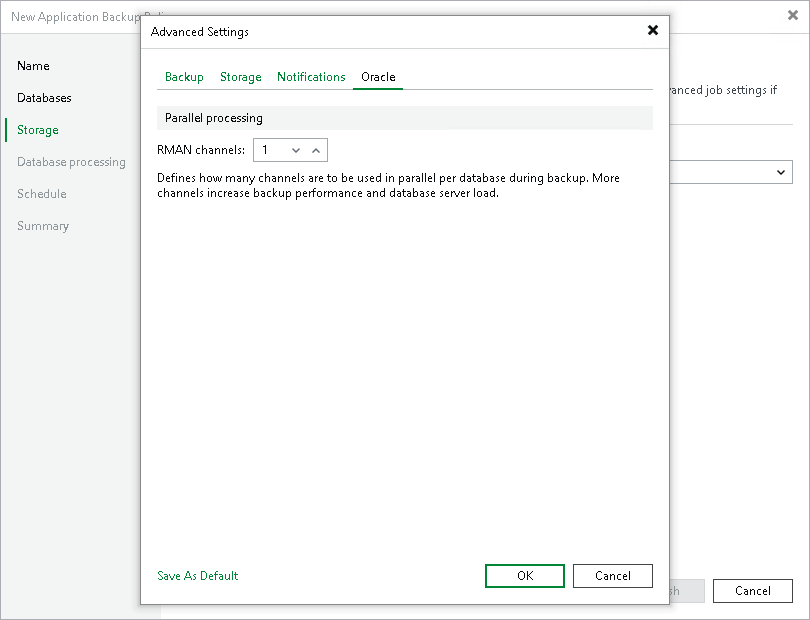
To specify Oracle settings for the backup policy:

  1. In the Advanced Settings window, click the Oracle tab.
  2. In the RMAN channels field, specify the number of data channels that Veeam Plug-In will use to back up database data in parallel. You can set up to 32 channels.

To learn how Veeam Plug-In transfers backup data through parallel channels, see How Veeam Plug-In for SAP on Oracle Works.
  1. In the Concurrent log backup streams field, specify the number of channels that Veeam Plug-In will use to back up redo logs in parallel. As log backups run frequently, a high stream count may take repository task slots that data backups need. As a result, it is recommended to set 4 or less parallel streams for logs. Also, the number of streams cannot exceed the number of parallel data channels.

Oracle Settings

Page updated 2026-08-21

Page content applies to build 13.1.1.18