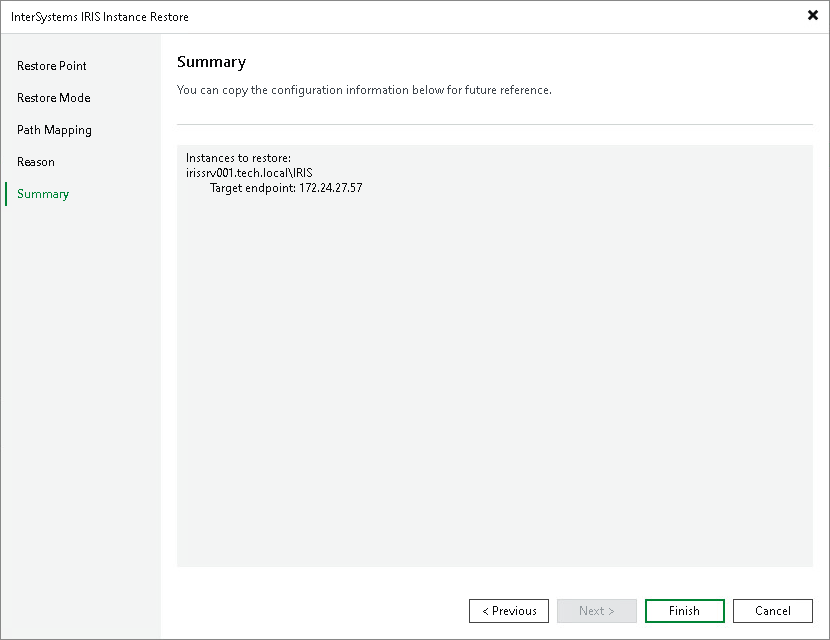
Step 6. Complete Restore Process
At the Summary step of the wizard, review the restore settings.
- Review settings of the restore process.
- Click Finish to close the wizard.
|
Note |
|
If the target server is not added to the backup infrastructure, Veeam Backup & Replication installs the required Veeam components, such as the Veeam Transport Service, on this server at the beginning of the restore operation and removes them after the restore operation completes or fails. If the target server is already added to the backup infrastructure, for example, as a member of a protection group, Veeam Backup & Replication keeps the components installed on the server. |