Step 1. Launch Publish Disks Wizard
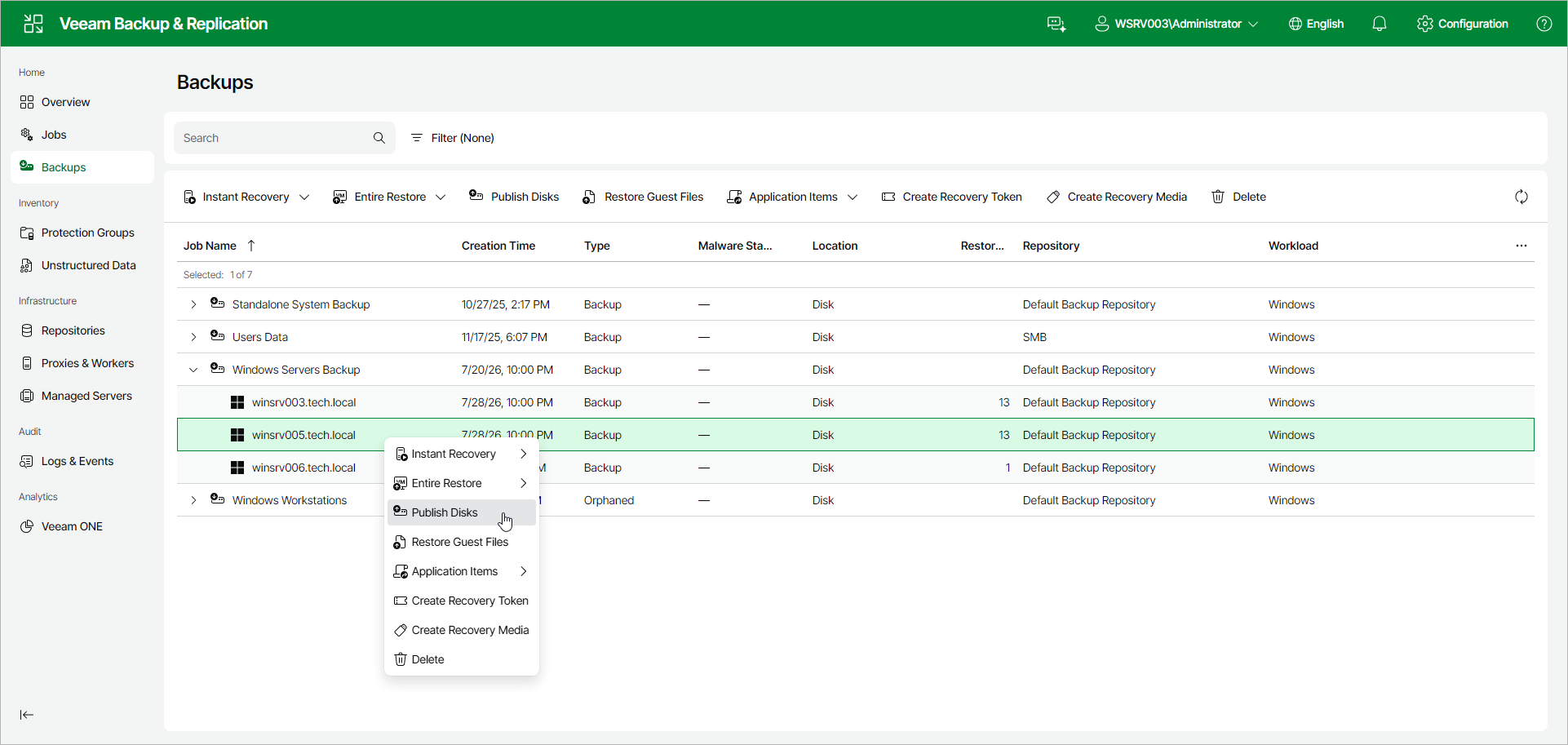
To launch the Publish Disks wizard, do the following:
- In the management pane, click Backups.
- Expand the necessary Veeam Agent backup and select the computer whose disks you want to publish.
- Click Publish Disks on the toolbar. Alternatively, right-click the computer and select Publish Disks. In this case, you will proceed to the Restore Point step of the wizard.