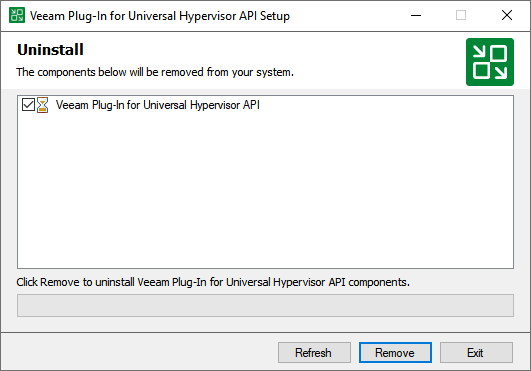
Uninstalling Veeam Plug-In for Universal Hypervisor API Manually
[This section does not apply to Linux-based backup server]
|
Tip |
|
Before you uninstall Veeam Plug-in for Universal Hypervisor API, it is recommended that you remove the Universal Hypervisor Manager from the backup infrastructure. In this case, Veeam Backup & Replication will also remove workers and worker images from the connected universal hypervisors. |
To uninstall Veeam Plug-in for Universal Hypervisor API, do the following:
- Log in to the backup server using an account with the Local Administrator permissions.
- Open the Start menu and click the Settings icon.
- In the Settings window, navigate to System > Apps and Features.
- In the program list, select Veeam Plug-in for Universal Hypervisor API. Then, click Uninstall.
- In the opened window, click Remove.