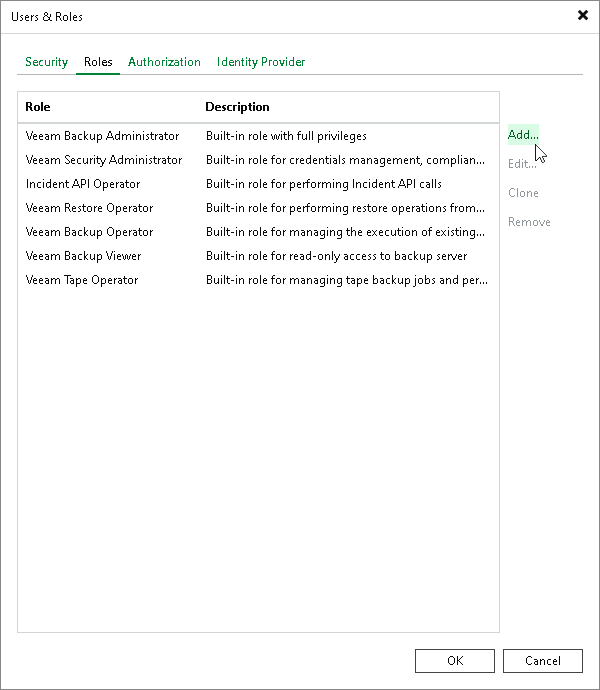
Step 1. Launch Add New Role Wizard To launch the Add New Role wizard, do the following: From the main menu, select Users & Roles > Roles. On the Roles tab, click Add.