Step 2. Select Job Mode
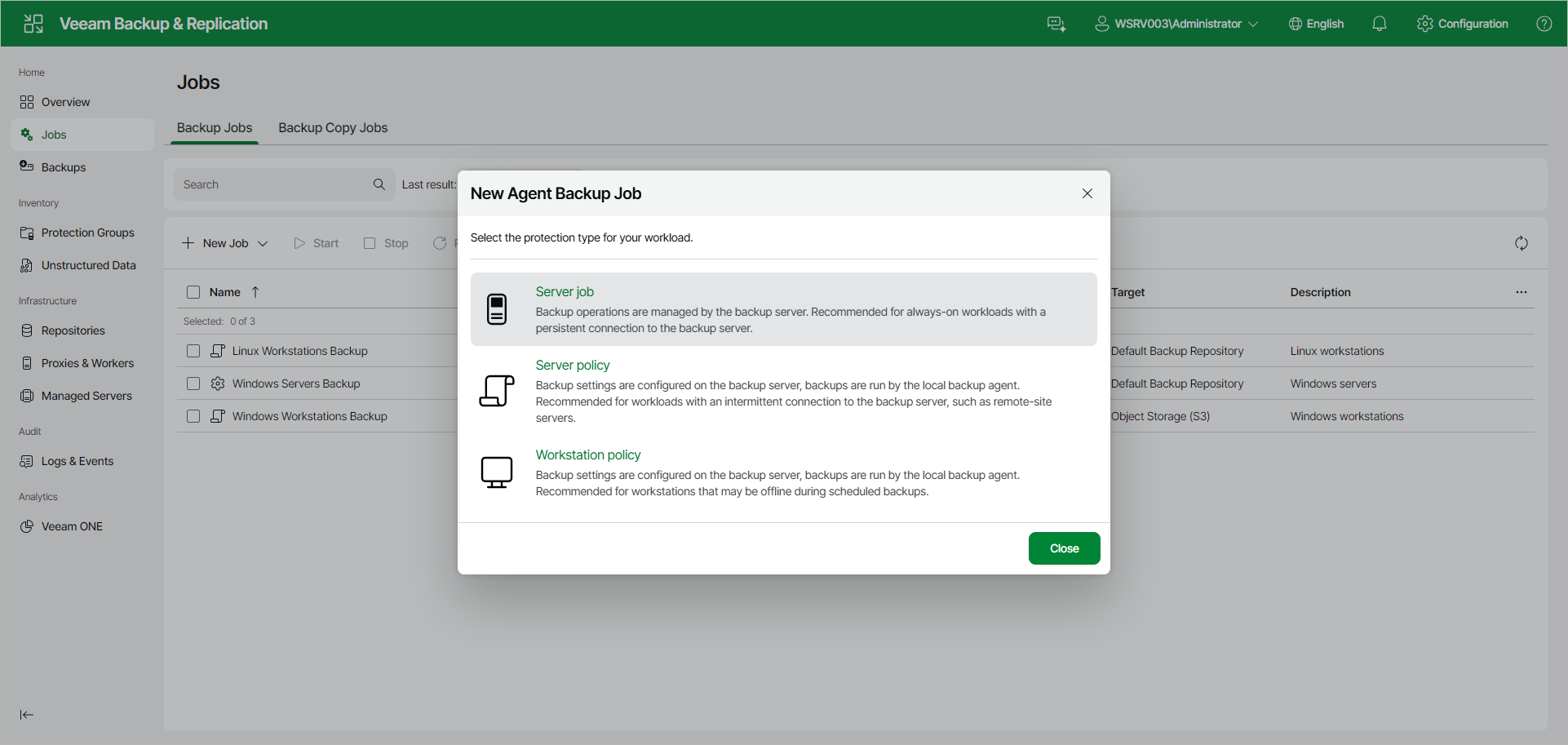
In the New Agent Backup Job window, select the protection type for your workload. For a Veeam Agent backup job managed by the backup server, select the following option:
- Server job — select this option to back up data on Linux-based servers. This option is recommended for protecting computers with a persistent connection to the backup server.
For backup jobs that process servers, Veeam Backup & Replication offers settings similar to the job settings available in Veeam Agent for Linux operating in the Server mode. To learn more, see the Veeam Agent for Linux User Guide.
If you want to create a Veeam Agent backup policy instead, select the Server policy or Workstation policy option. To learn more, see Creating Policy for Linux Computers Using Web UI.