Step 4. Define Repository Scope
This step is available only if you selected the Manage backups check box at the Name step of the wizard.
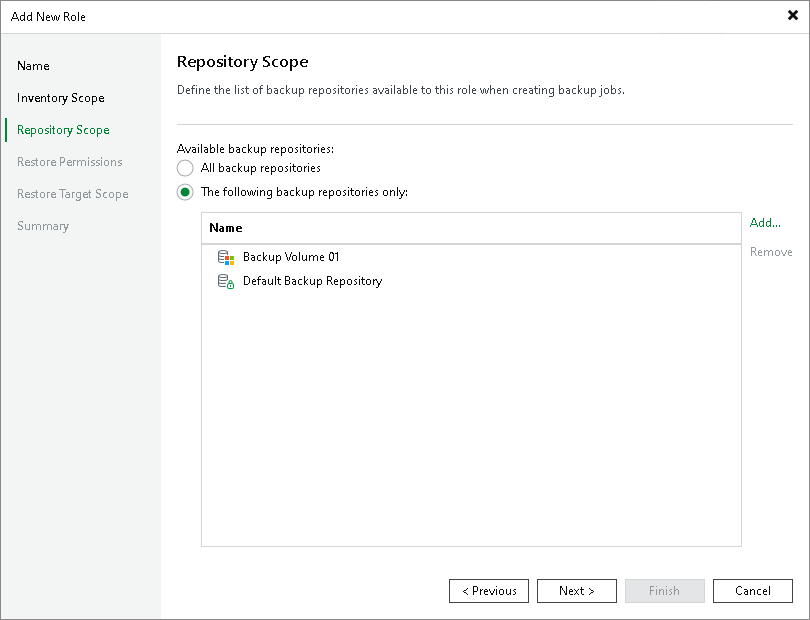
At the Repository Scope step of the wizard, specify which backup repositories users with this role can use as targets for backup jobs:
- All backup repositories — grants access to all supported backup repository types added to the backup infrastructure. Role-based scoping does not support Cloud Connect repositories.
- The following backup repositories only — restricts access to selected repositories.
If you select the The following backup repositories only option, click Add and select the necessary repositories. For a backup repository to be displayed in the list, it must be added to the backup infrastructure. For details, see Backup Repositories.