Step 9. Finalize Instant Recovery
At the Summary step of the wizard, review summary information and click Finish.
|
Tip |
|
If you want to start the recovered VM as soon as the restore process completes, select the Power on target VM after restoring check box. |
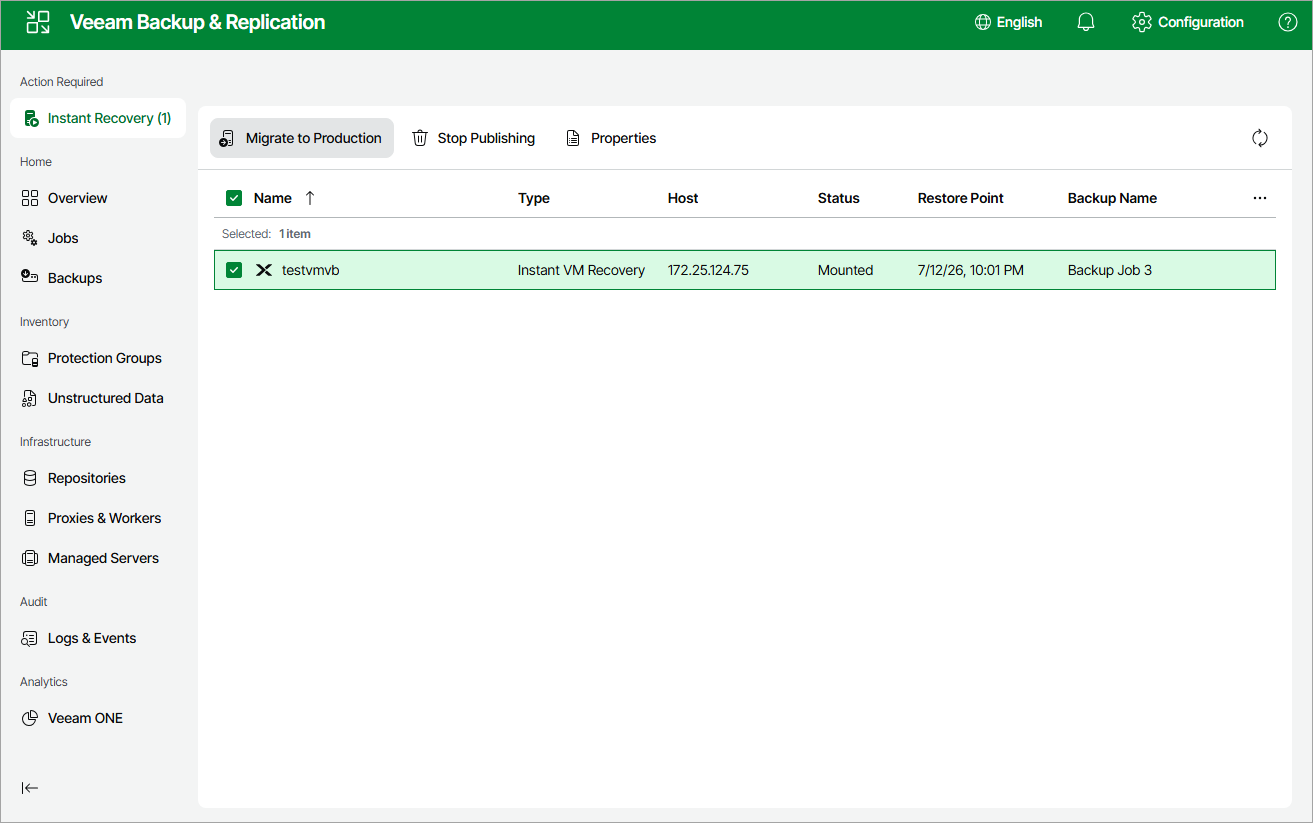
To finalize the instant recovery operation, do the following:
- Navigate to Instant Recovery.
- Select the recovered VM:
- To transfer VM disk data to the production storage, select Migrate to production.
- To remove the recovered VM, select Stop publishing.
|
Important |
|
If you stop publishing a VM that was recovered to the same destination where the original VM resided, both the original and recovered VMs will be removed. |