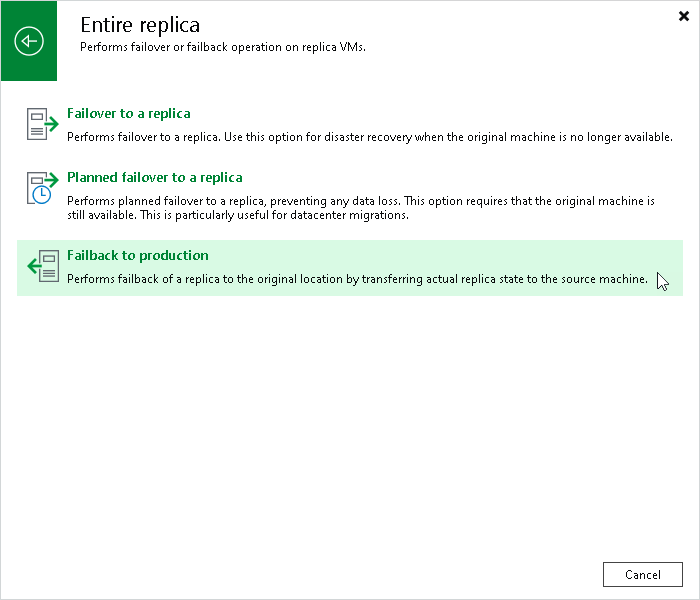
Step 1. Launch CDP Replica Failback Wizard
To launch the Failback wizard, do one of the following:
- On the Home tab, click Restore > <Platform> > Restore from replica > Entire replica > Failback to production.
- Open the Home view. In the inventory pane navigate to the Replicas > Active node. In the working area, right-click the necessary replica and select Failback to production. Alternatively, click Failback to Production on the ribbon.