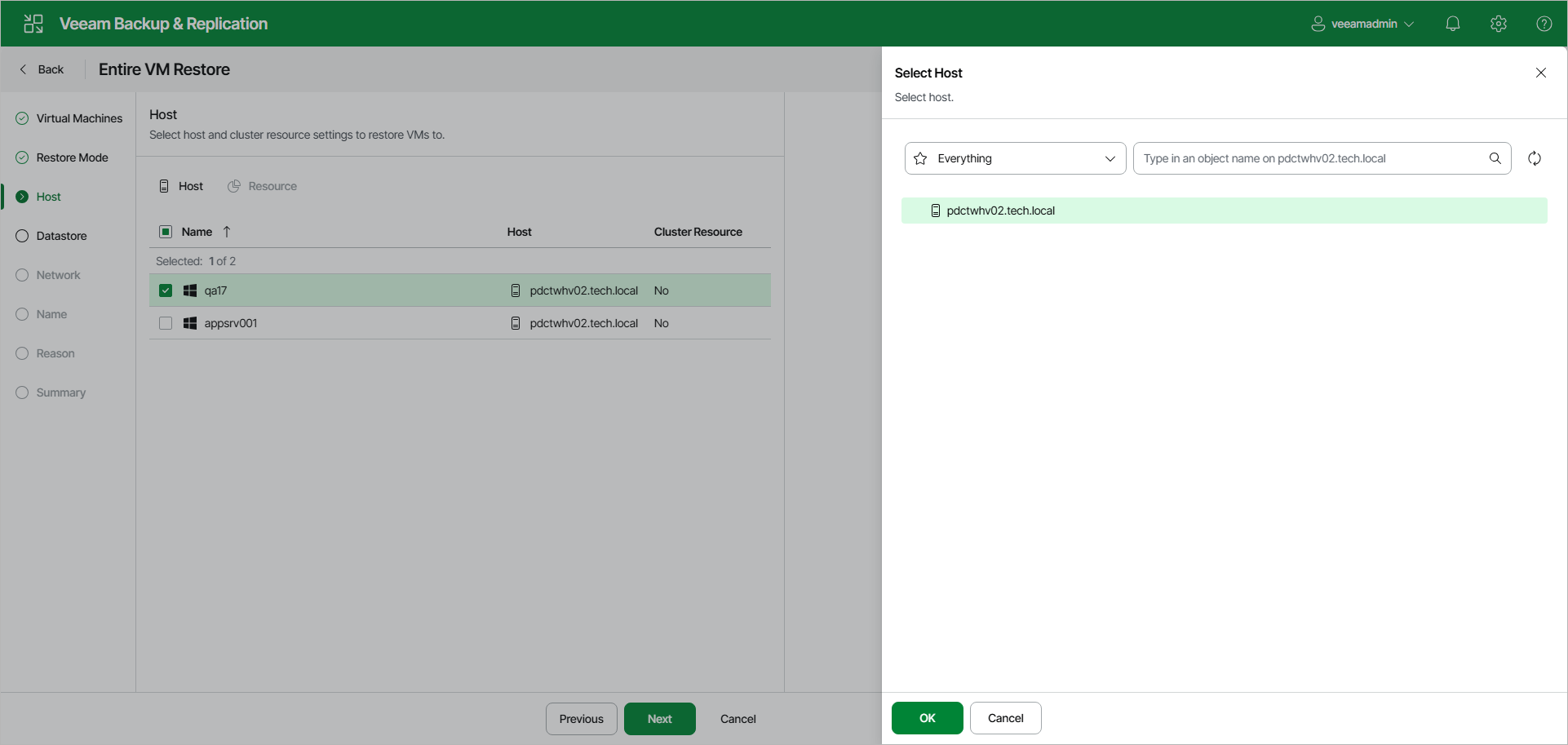
Step 4. Select Target Hosts
The Host step of the wizard is available if you have selected Restore to a new location, or with different settings at the Restore Mode step.
To specify a target host:
- Select the necessary VMs in the list and click Host.
- Choose a standalone or clustered host where the selected VMs must be registered.
- Click OK to save the changes.
If you choose to register the restored VM on a host that is a part of a Hyper-V failover cluster, you can specify additional failover settings.
- Select a VM in the list and click Resource.
- Select the Register VM as a cluster resource option if the restored VM must be configured as a cluster resource. In this case, if the target host is brought offline or fails for any reason, the VM will fail over to another node in the cluster.