Step 1. Launch Add Storage Template Wizard
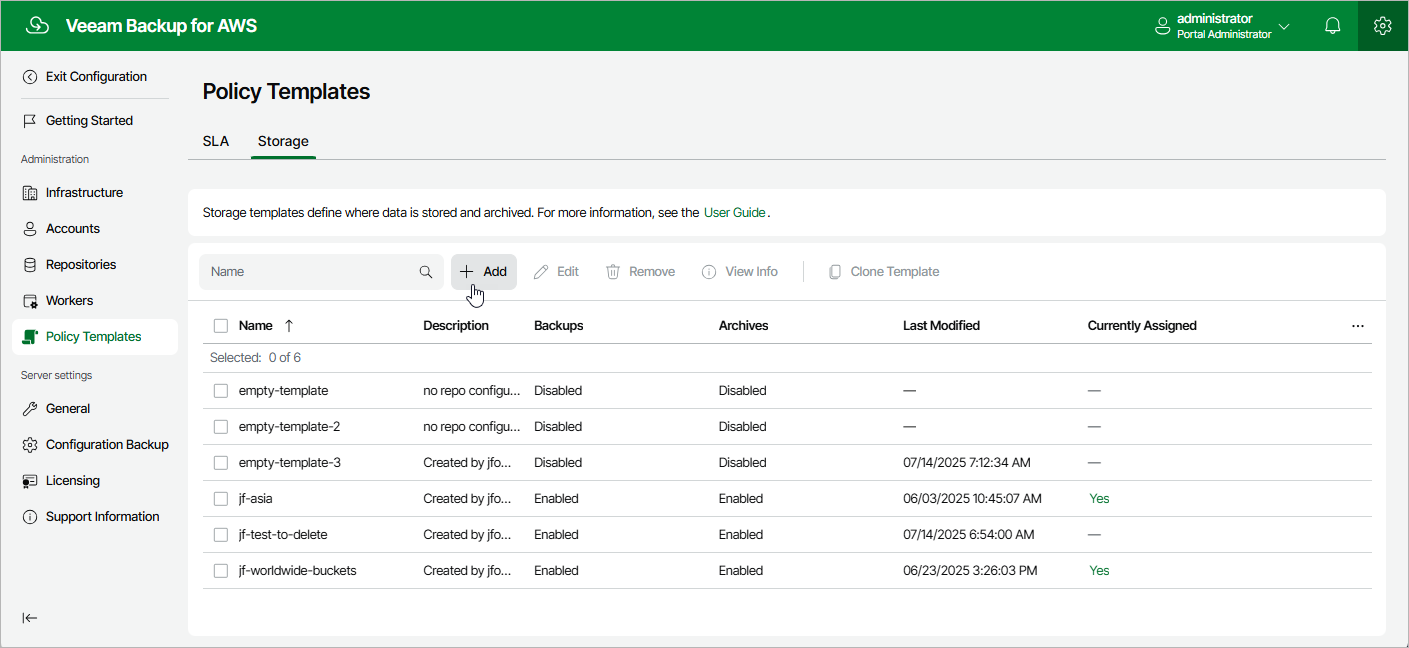
To launch the Add Storage Template wizard, do the following:
- Switch to the Configuration page.
- Navigate to Policy Templates > Storage .
- Click Add .
To launch the Add Storage Template wizard, do the following: