Step 3. Review Database Issues
At the Database Issues step of the wizard, review the issues that Veeam Backup & Replication detected in the selected database. This step is displayed only if Veeam Backup & Replication detects issues. Veeam Backup & Replication performs the same checks as before an upgrade. For details, see Upgrade Checklist.
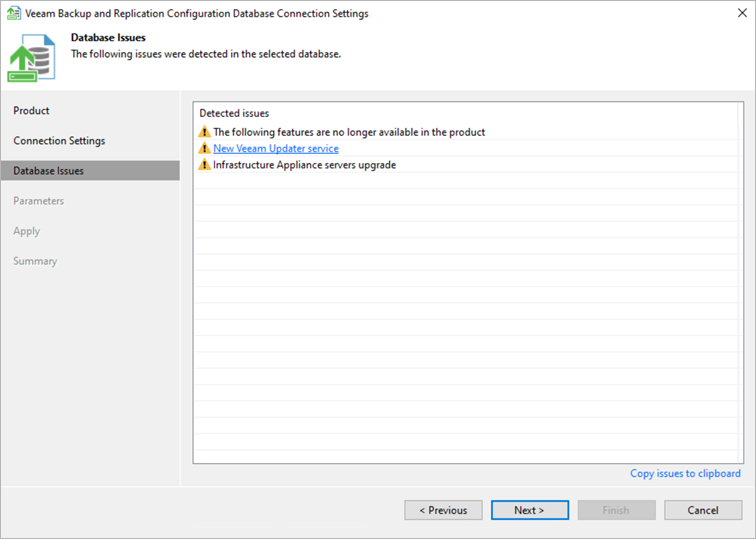
The issues in the list have one of the following severities:
- Warning. The issue does not prevent you from proceeding. Click Next to proceed to the next step.
- Error. The issue prevents you from proceeding. When you click Next, Veeam Backup & Replication displays a message that the database contains critical errors. You can proceed only after the reported issues are resolved.
To copy the list of issues, click Copy issues to clipboard.