Step 2. Select Restore Point
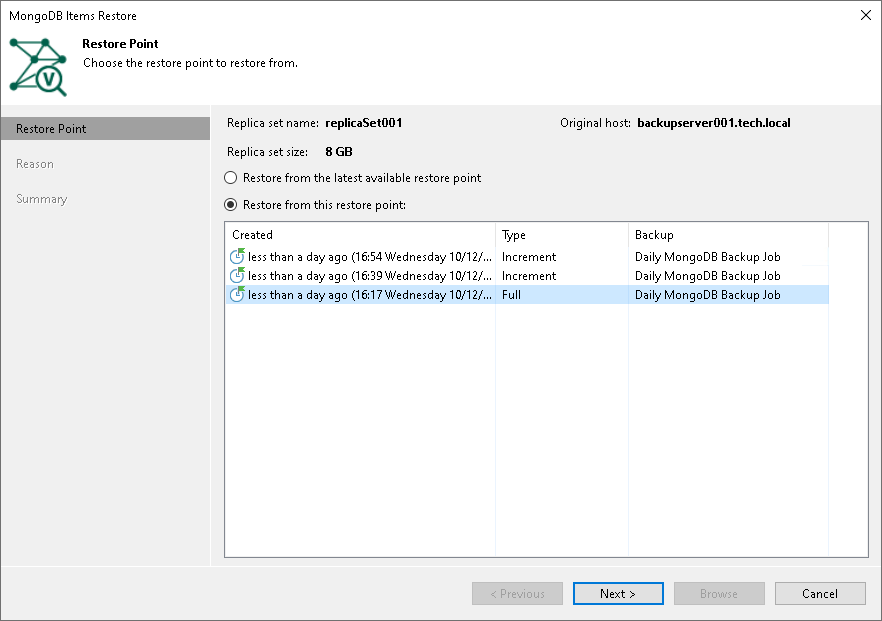
At the Restore Point step of the wizard, select a restore point from which you want to recover data.
By default, Veeam Backup & Replication selects the latest restore point. If you want to select another restore point, select the Restore from this restore point option and select any valid restore point to recover data.