Editing Proxmox VE Server Properties
To edit properties of the Proxmox VE server added to the backup infrastructure, do the following:
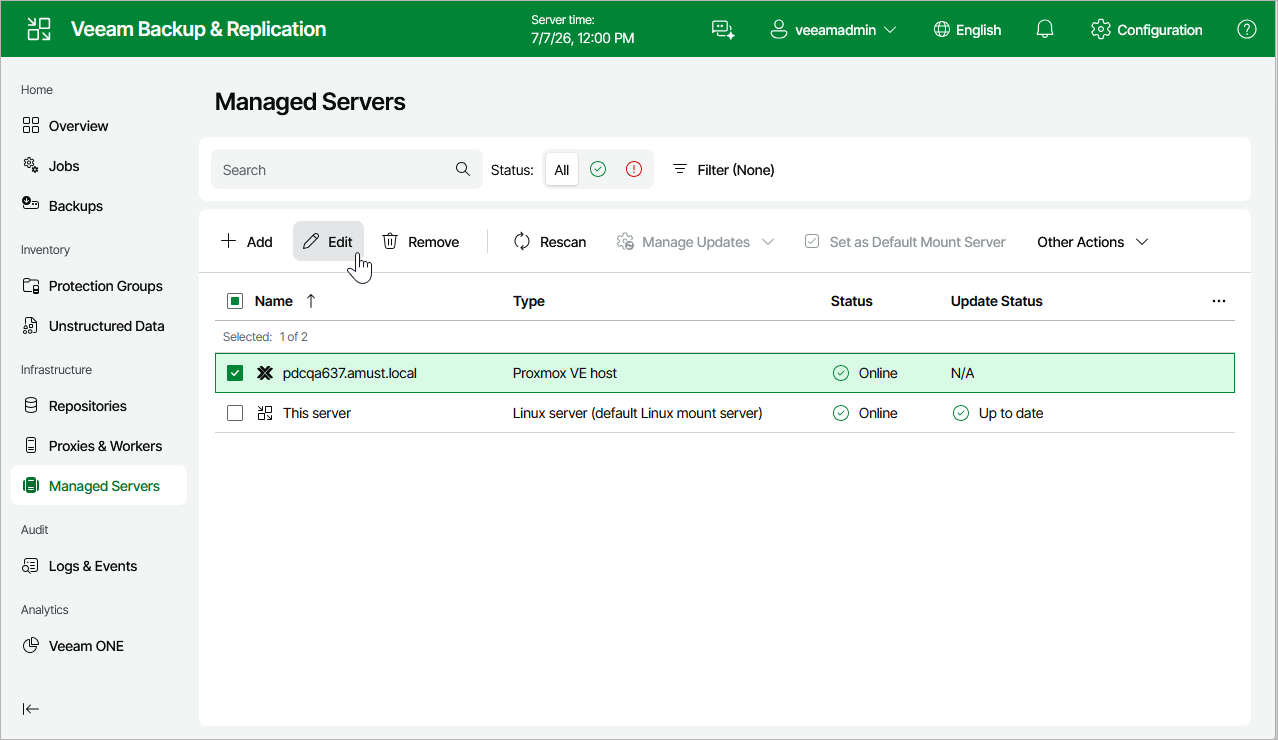
- Navigate to Managed Servers.
- Select the necessary Proxmox VE server and click Edit on the menu, or right-click the Proxmox VE server and select Edit.
- Complete the Edit Proxmox VE Server wizard as described in section Adding Proxmox VE server to Backup Infrastructure.