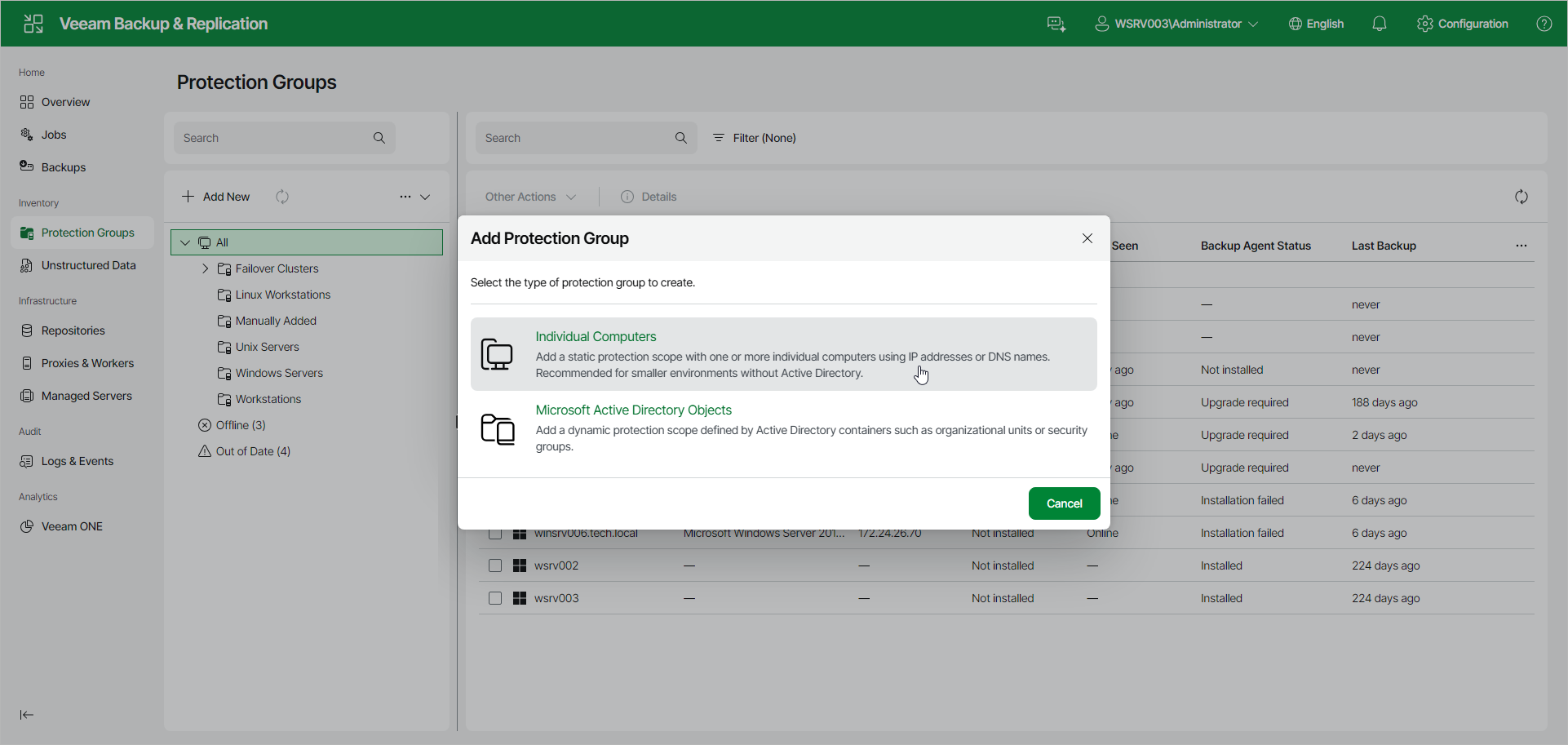
Step 1. Launch New Protection Group Wizard
To launch the Add Protection Group wizard in the Veeam Backup & ReplicationWeb UI , do the following:
- In the management pane, click Protection Groups.
- Click Add New.
- In the Add Protection Group window, select Individual Computers.