Step 1. Launch VPC Restore Wizard
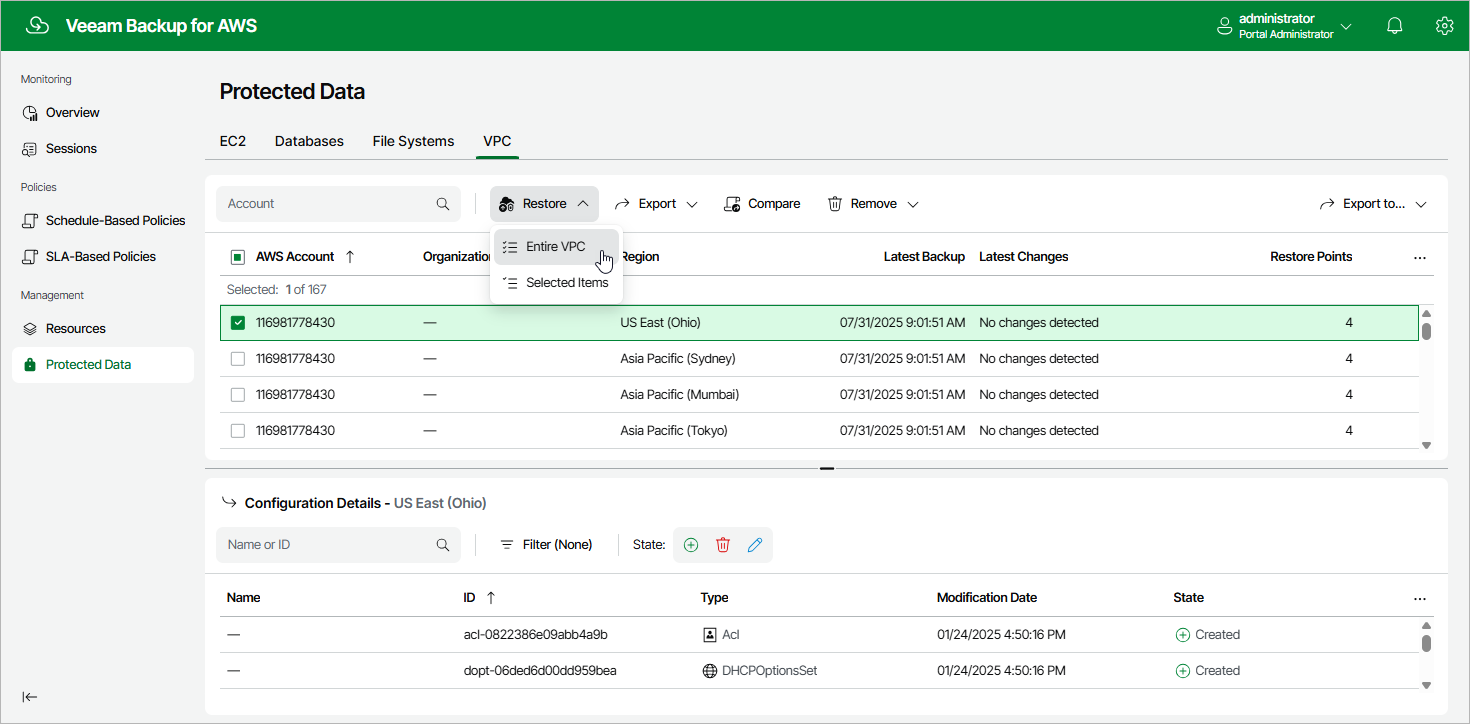
To launch the VPC Restore wizard, do the following:
- Navigate to Protected Data > VPC .
- Select the configuration record for an AWS Region whose VPC configuration you want to restore.
- Click Restore > Entire VPC .
To launch the VPC Restore wizard, do the following: