Running Failover
In case a disaster strikes, you can switch operations from original VMs in the production site to their replicas in the disaster recovery site — this will allow users to keep accessing services with minimum disruption.
To fail over a VM to its replica, do the following:
- In the Veeam Backup & Replication console, open the Home view.
- In the inventory pane, select Replicas > Ready.
- In the working area, right-click the necessary VM and select Failover now.
Alternatively, select the necessary VM and click Failover Now on the ribbon.
- Complete the Enter value Failover wizard:
- At the Virtual Machines step of the wizard, select a restore point that will be used for the failover. By default, Veeam Backup & Replication uses the most recent valid restore point. However, you can fail over to an earlier state of the VM replica. To do that, select the VM and click Point. Then, in the Restore Points window, select the necessary restore point and click OK. To help you choose a restore point, Veeam Backup & Replication provides the following information on each available restore point:
- Job — the name of the replication job that created the restore point, and the date when the restore point was created.
- Type — the type of the restore point.
- Location — the repository where the restore point metadata is stored.
|
Tip |
|
You can use the wizard to fail over multiple VMs at a time. To do that, click Add, select more VMs to fail over and choose a restore point for each of them. |
- At the Reason step of the wizard, specify a reason for the failover. This information will be saved to the session history, and you will be able to reference it later.
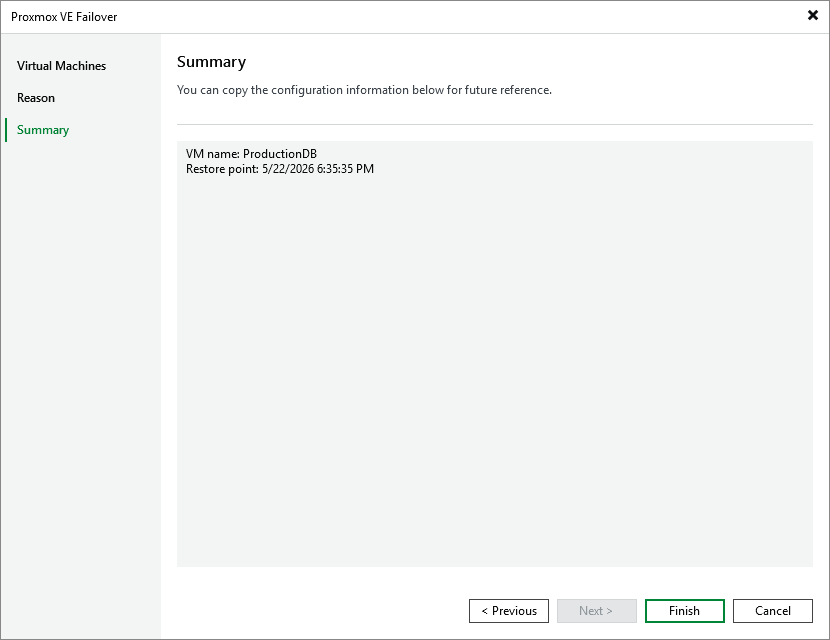
- At the Summary step of the wizard, review summary information and click Finish.
Failover is an intermediate step that you will have to finalize — by either running permanent failover or performing failback. For more information, see Finalizing Failover
Related Topics