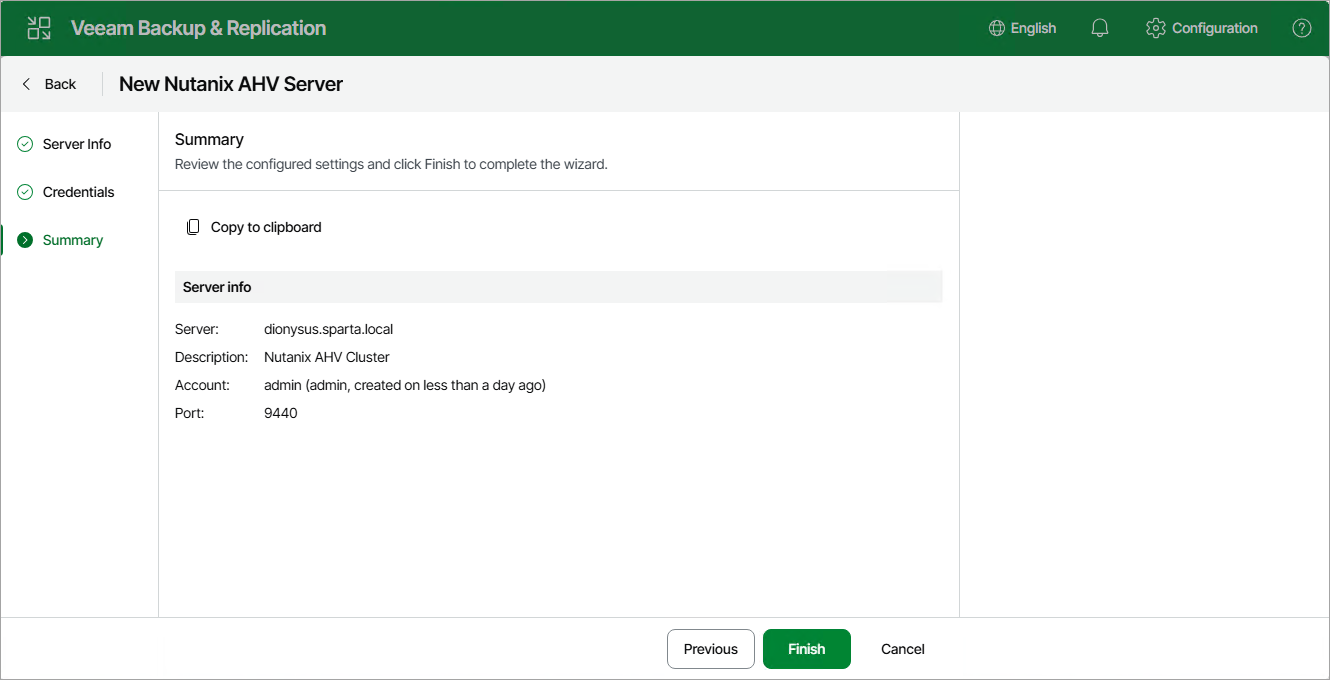
Step 4. Finish Working with Wizard
At the Summary step of the wizard, check that the cluster or Prism Central has been successfully added and click Finish.
|
Tip |
|
You can review details of the cluster or Prism Central registration session in system logs as described in section Viewing Logs and Events. |
After you complete the wizard, it is required that you configure at least one worker. To launch the wizard, follow the instructions described in section Managing Workers.