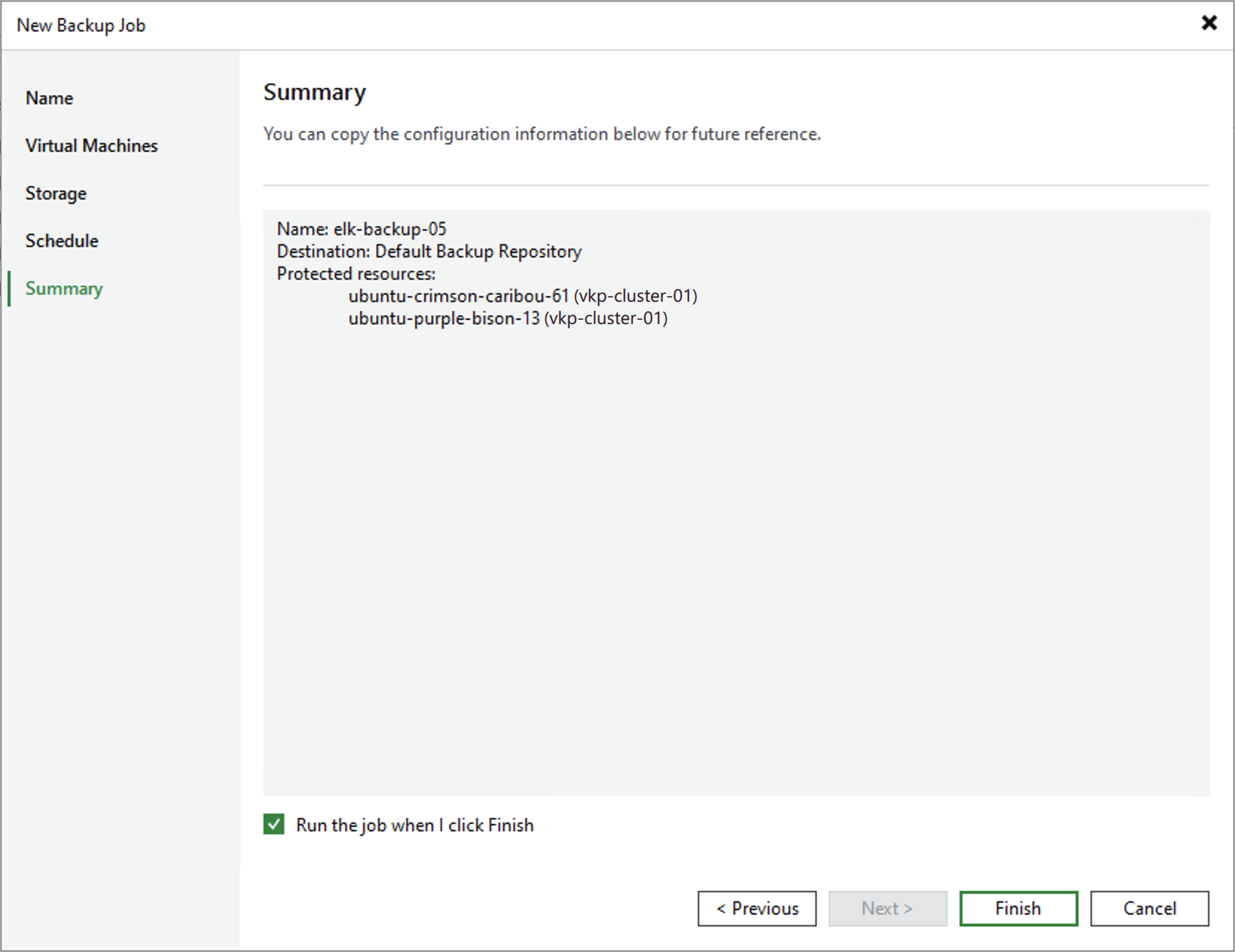
Step 6. Finish Working with Wizard
At the Summary step of the wizard, review configuration information and click Finish. As soon as Veeam Backup & Replication starts the job, the backup progress will be displayed in the working area when you navigate to Jobs > Backups in the inventory pane of the Home view.
|
Tip |
|
If you want to run the backup job right after you finish working with the wizard, select the Run the job when I click Finish check box. Alternatively, you can run the job manually later as described in section Starting and Stopping Backup Jobs. |