Disabling and Enabling Policies
By default, the backup appliance runs all created backup policies according to the specified schedules. However, you can temporarily disable a backup policy so that the backup appliance does not run the backup policy automatically. You will still be able to manually start or enable the disabled backup policy at any time you need.
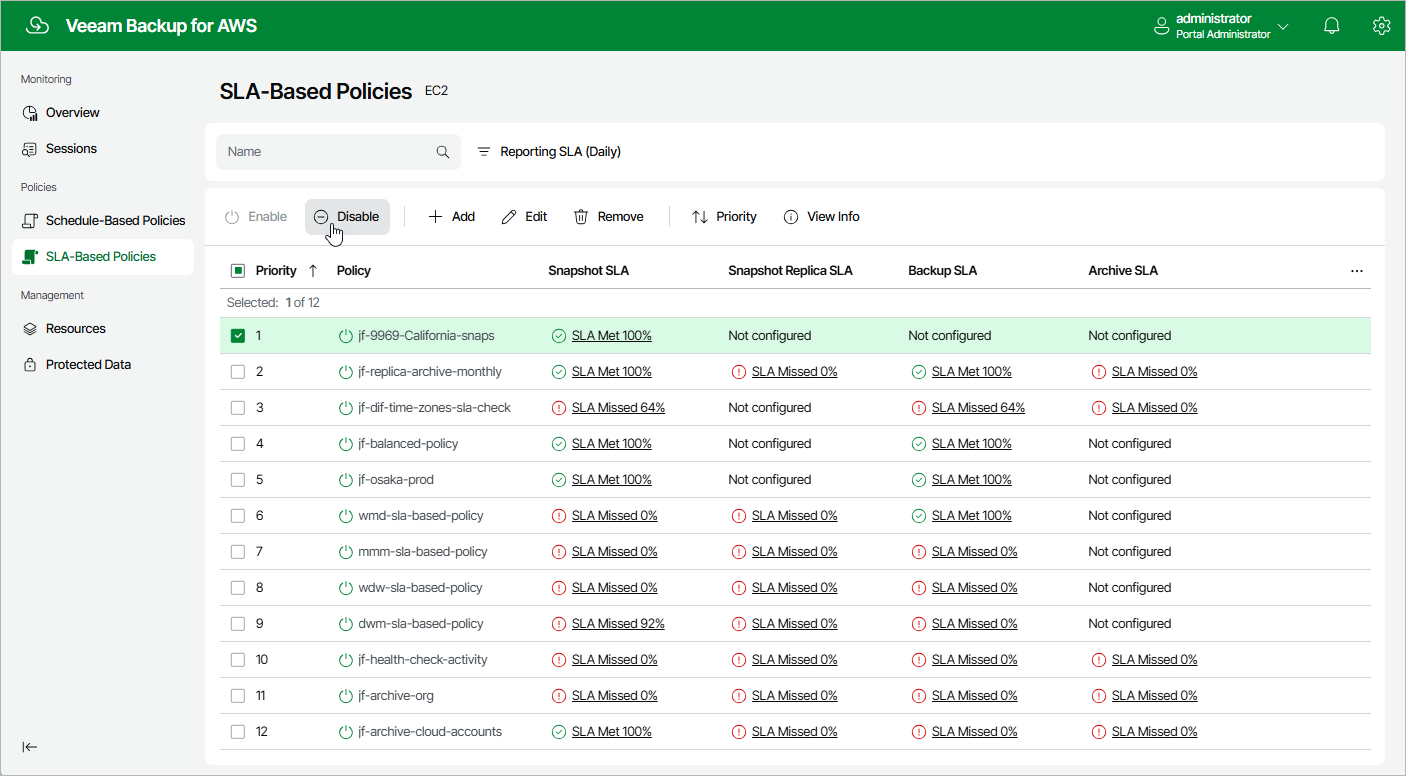
To disable or enable a backup policy, do the following:
- Navigate to Policies.
- Switch to the necessary tab and select the backup policy.
- Click Disable or Enable.
|
Note |
|
Disabling a backup policy does not affect the retention settings configured for the cloud-native snapshots, image-level and archived backups created by the policy. The backup appliance will continue running retention sessions for the disabled backup policy and removing restore points according to the configured settings. |