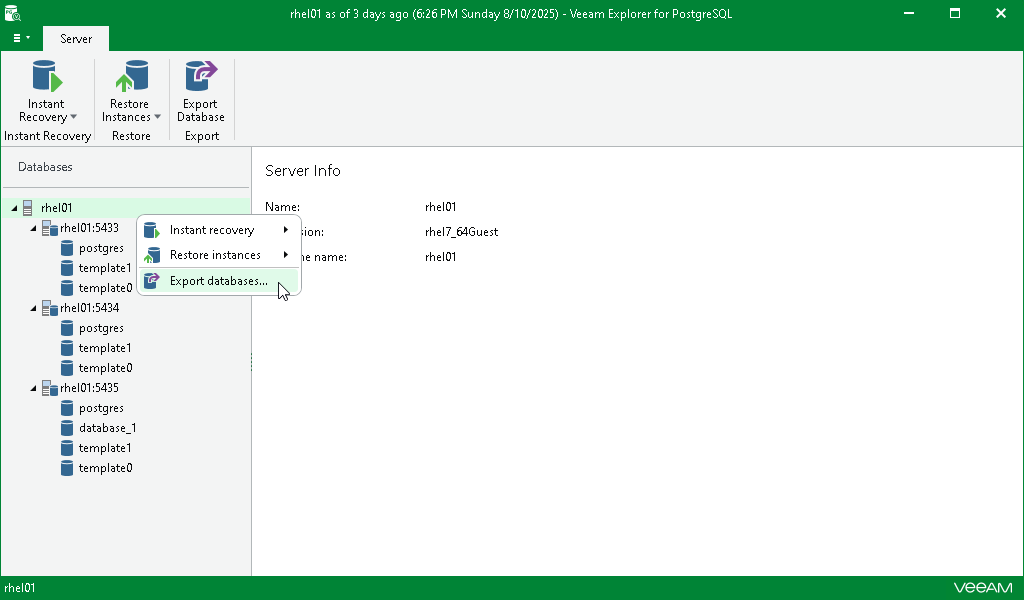
Step 1. Launch Export Wizard
To launch the Export wizard, do the following:
- In the navigation pane, select a database, instance or the server.
- On the Database, Instance or Server tab, select Export databases.
Alternatively, right-click a database, instance or the server and select Export databases.