Managing Restore Sessions
This option is only available in the Veeam Explorer for Microsoft Active Directory web UI.
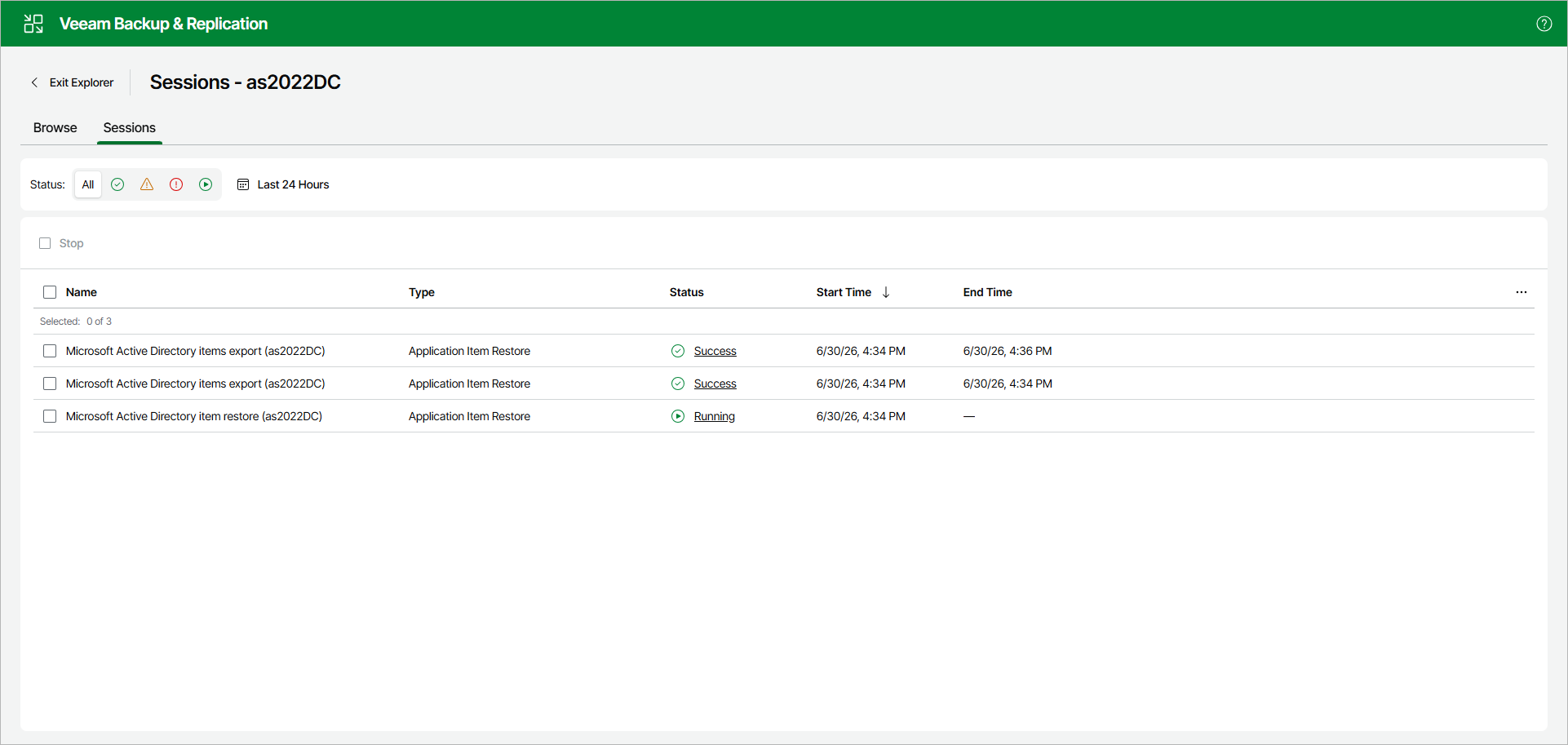
Click the Sessions tab. The Sessions tab lists restore sessions with their name, type, status, start time and end time.
To track the progress of a session and view detailed information about it, click the session status in the Status column. Veeam Explorer for Microsoft Active Directory displays the session duration, status and the list of messages.
To stop a running session, select it and click Stop.
Tip |
|
Consider the following:
|