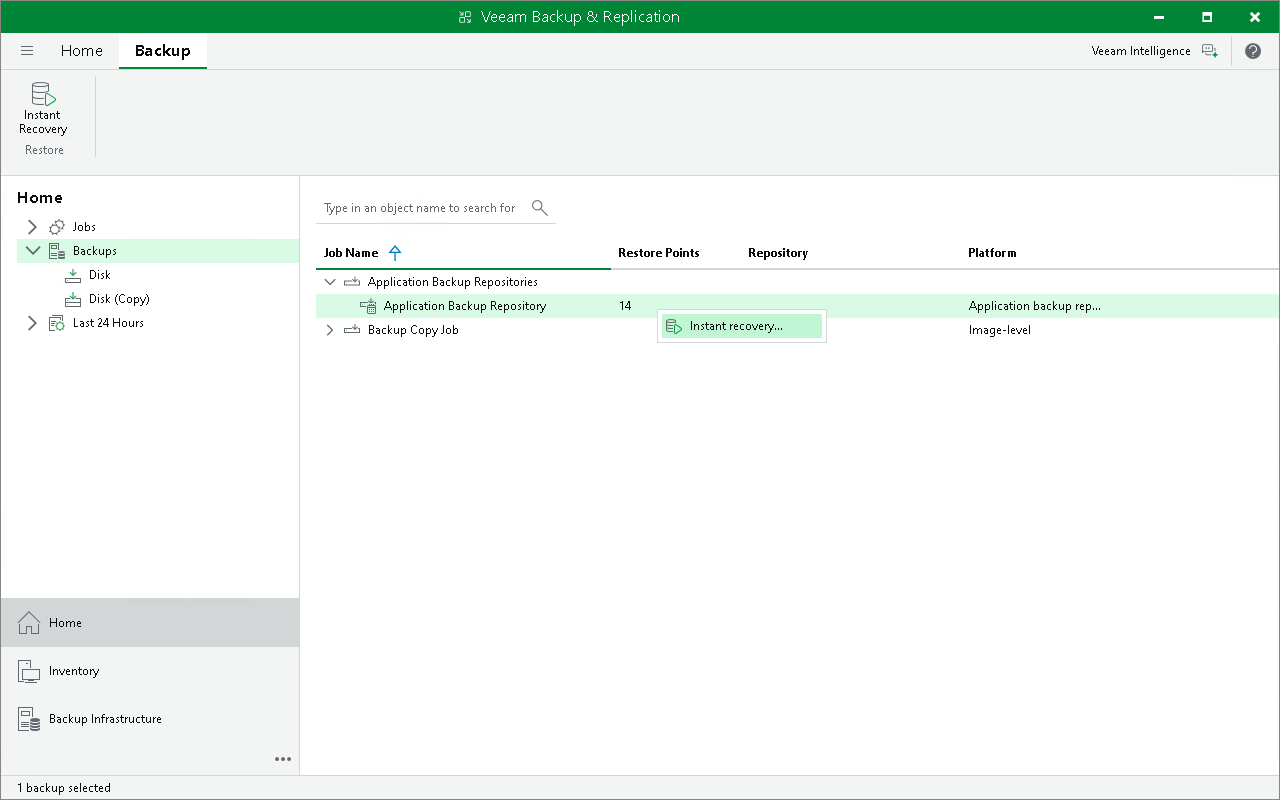
Step 1. Launch Instant Application Backup Repository Recovery Wizard
To launch the Instant Application Backup Repository Recovery wizard, do the following:
- Open the Home view.
- In the inventory pane, select Backups.
- In the working area, expand the Application Backup Repositories job, right-click the repository and select Instant recovery. Alternatively, you can click Instant Recovery on the ribbon.
You can perform the instant application backup repository recovery by using a backup copy. Backup copies created in the secondary repositories are represented in the Backups > Disk (Copy) node in the inventory pane. For more information, see Performing Application Backup Repository Recovery from Backup Copy.