Backup Repository Encryption
Veeam Plug-in for AWS allows you to enable encryption at the repository level. Backup appliances encrypts backup files stored in backup repositories the same way as Veeam Backup & Replication encrypts backup files stored in backup repositories. To learn what algorithms Veeam Backup & Replication uses to encrypt backup files, see Data Encryption.
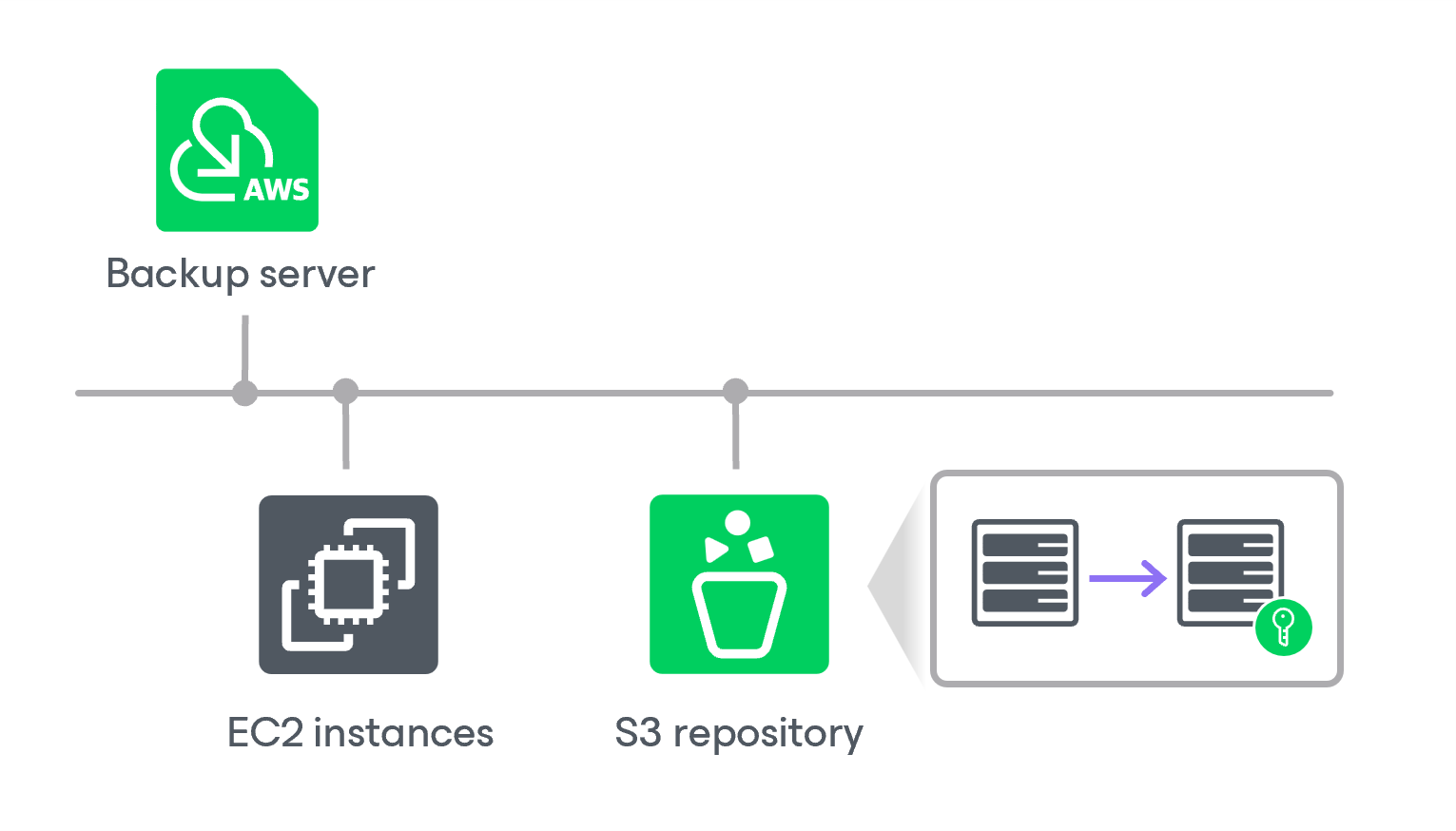
To enable encryption for a backup repository added to a backup appliance, configure the repository settings as described in section Adding Backup Repositories and choose whether you want to encrypt data using a password or using a KMS encryption key. After you create a backup policy and specify the backup repository as a target location for backed-up data as described in sections Creating EC2 Backup Policies, Creating RDS Backup Policies, Creating EFS Backup Policies and Editing VPC Configuration Backup Policy, the backup appliance performs the following steps:
- Based on the provided password or KMS key, generates an encryption key to protect backed-up data stored in the backup repository, and stores the key in the configuration database on the backup appliance.
- Uses the generated key to encrypt backed-up data transferred to the backup repository when running the backup policy.