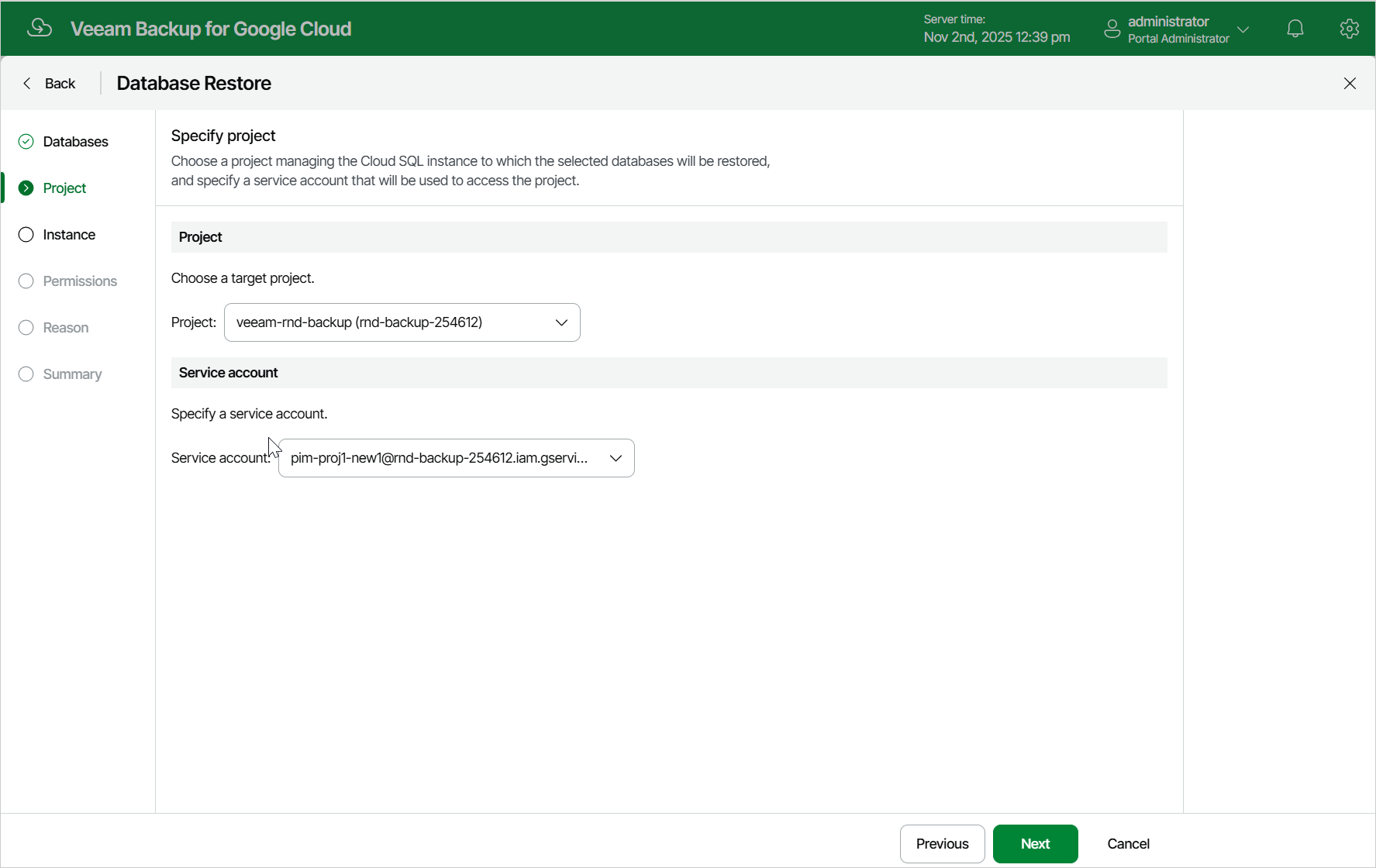
Step 3. Select Project
At the Project step of the wizard, select a project that manages a Cloud SQL instance to which you want to restore the selected databases and specify a service account whose permissions will be used to perform the restore operation. For more information on the required permissions, see Service Account Permissions.
For a project to be displayed in the Project drop-down list, it must be added to Veeam Plug-In for Google Cloud as described in section Adding Projects and Folders.
For a service account to be displayed in the list of available accounts, it must be added to Veeam Plug-In for Google Cloud as described in section Adding Service Accounts, and must be assigned the Cloud SQL Instances Restore operational role as described in section Adding Projects and Folders.