Step 6. Open Veeam Explorer
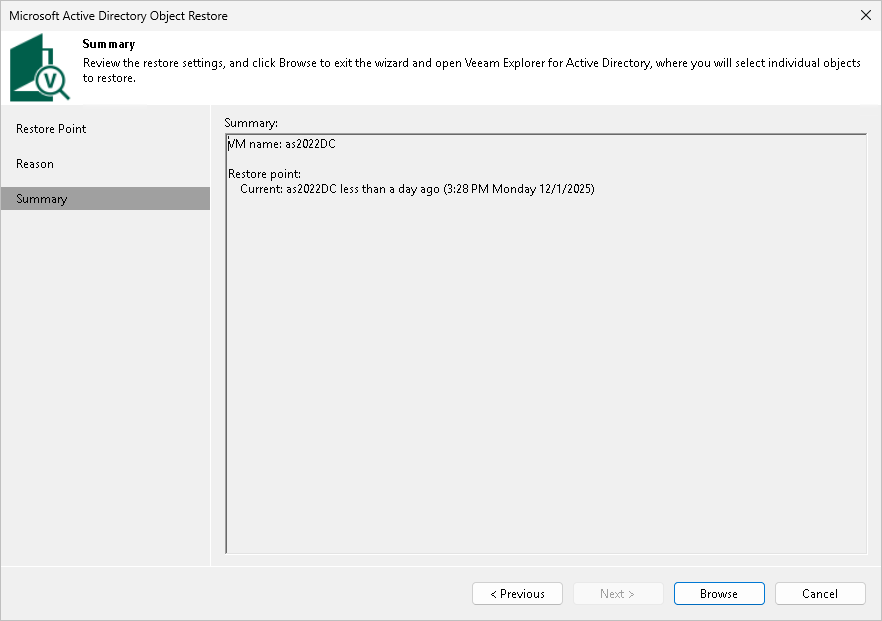
At the Summary step of the wizard, review the restore settings. Click Browse to open the Veeam Explorer.
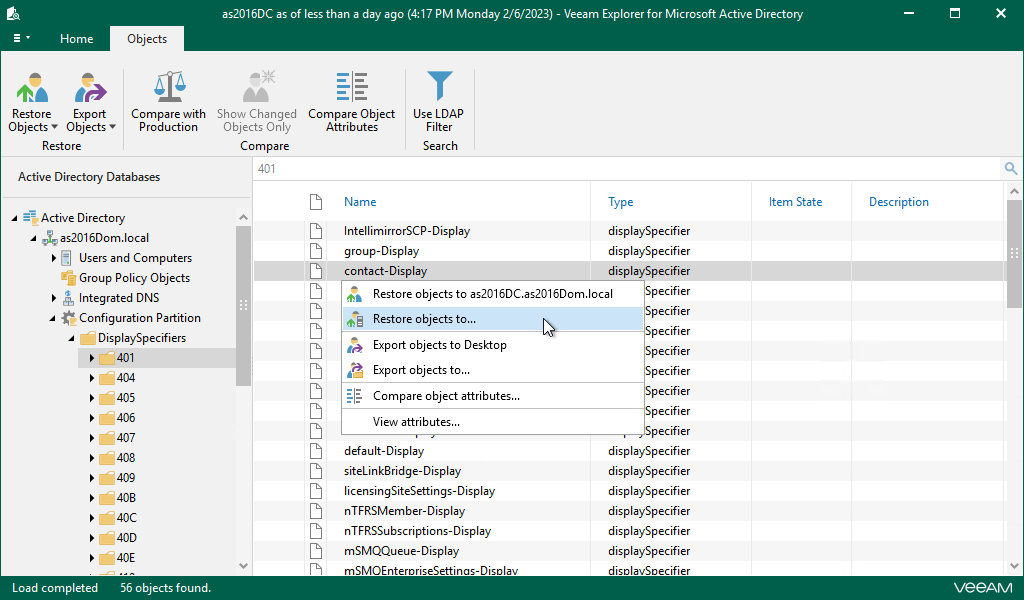
Veeam Backup & Replication will automatically locate the application item and open it in Veeam Explorer. In the Explorer, you can browse, search, restore application items and so on.
For more information, see Veeam Explorers Overview.