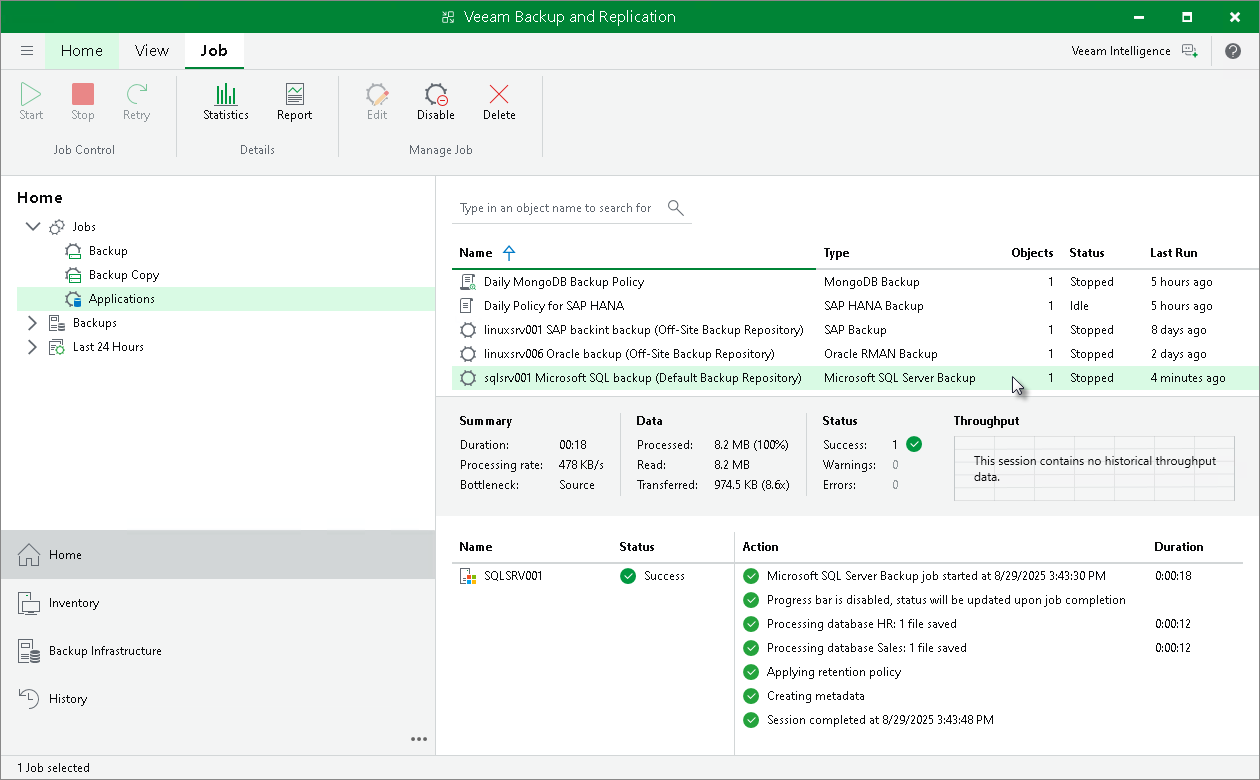
Viewing Backup Job Statistics
To view details of the backup process, do the following:
- Open the Veeam Backup & Replication console.
- In the Home view, expand the Jobs node in the inventory pane and click Applications.
- In the working area, select the application backup policy for Microsoft SQL Server to see details of the current backup process or the last backup job session.
|
Note |
|
Veeam Backup & Replication does not display the progress bar for a running Veeam Plug-In for Microsoft SQL Server backup job. Statistics for backup jobs of this type becomes available after the backup job session is completed. |