Generating Backup Job Reports
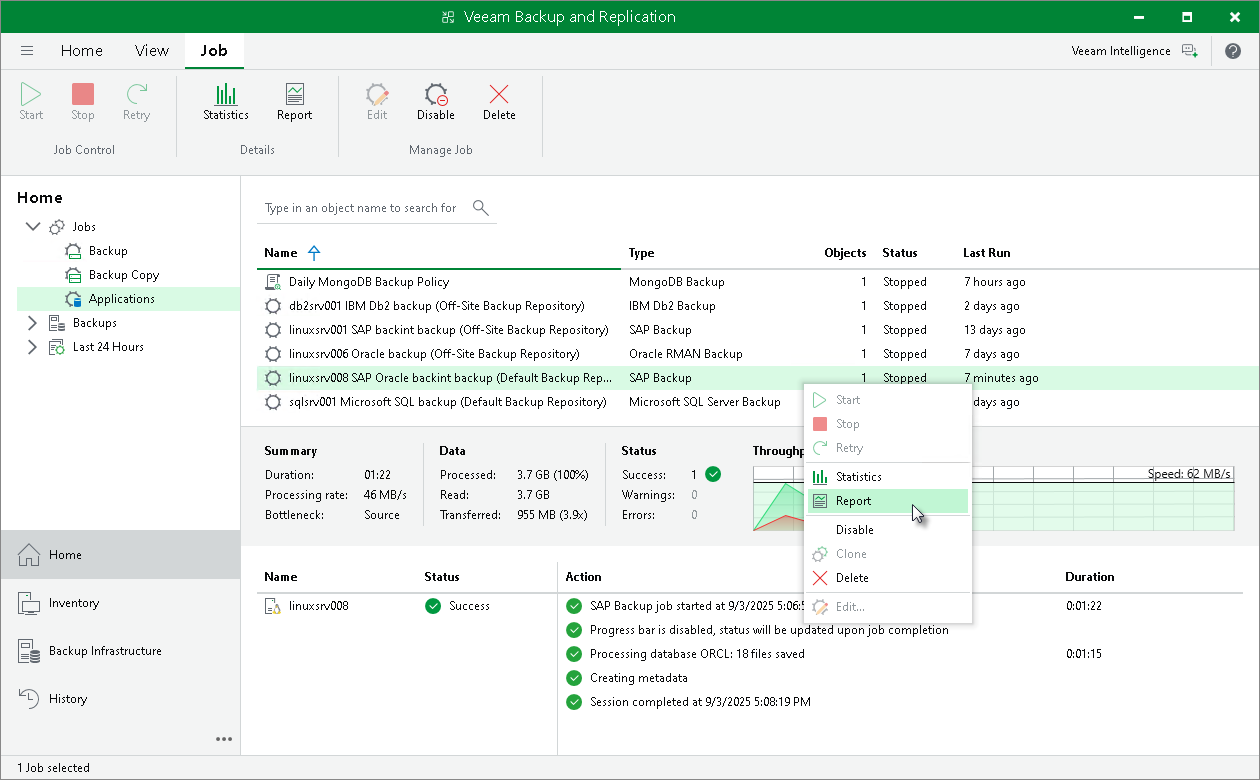
Veeam Backup & Replication can generate reports with details about an BR*Tools backup job session performance. The session report contains the following session statistics: session duration details, details of the session performance, amount of read, processed and transferred data, backup size, compression ratio, list of warnings and errors (if any).
- Open the Home view.
- In the Home view, expand the Jobs node in the inventory pane and click Applications.
- In the working area, select the necessary job and click Report on the ribbon. You can also right-click the job and select Report.