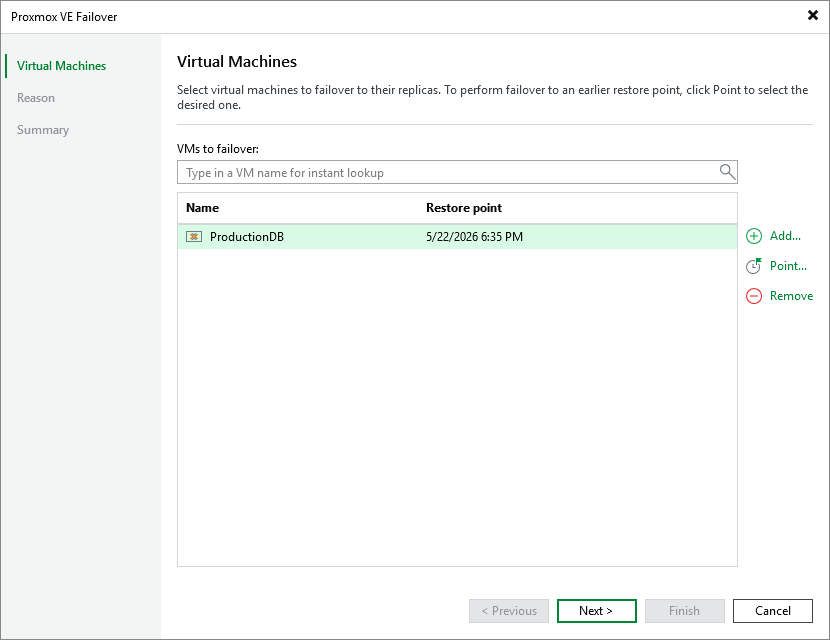
Step 2. Select VMs
At the Virtual Machines step of the wizard, select a restore point that will be used to fail over the selected VM to its replica. By default, Veeam Backup & Replication uses the most recent valid restore point. However, you can fail over the VM to an earlier state.
To select a restore point, do the following:
- Select the VM and click Point.
- In the Restore Points window, select the necessary restore point and click OK.
To help you choose a restore point, Veeam Backup & Replication provides the following information on each available restore point:
- Job — the name of the replication job that created the restore point, and the date when the restore point was created.
- Type — the type of the restore point.
- Location — the repository where the restore point metadata is stored.
|
Tip |
|
You can use the wizard to fail over multiple VMs at a time. To do that, click Add, select more VMs to fail over and choose a restore point for each of them. |